Trading Platform
Also called Trading software, Trading terminal, Trading app, Online trading platform
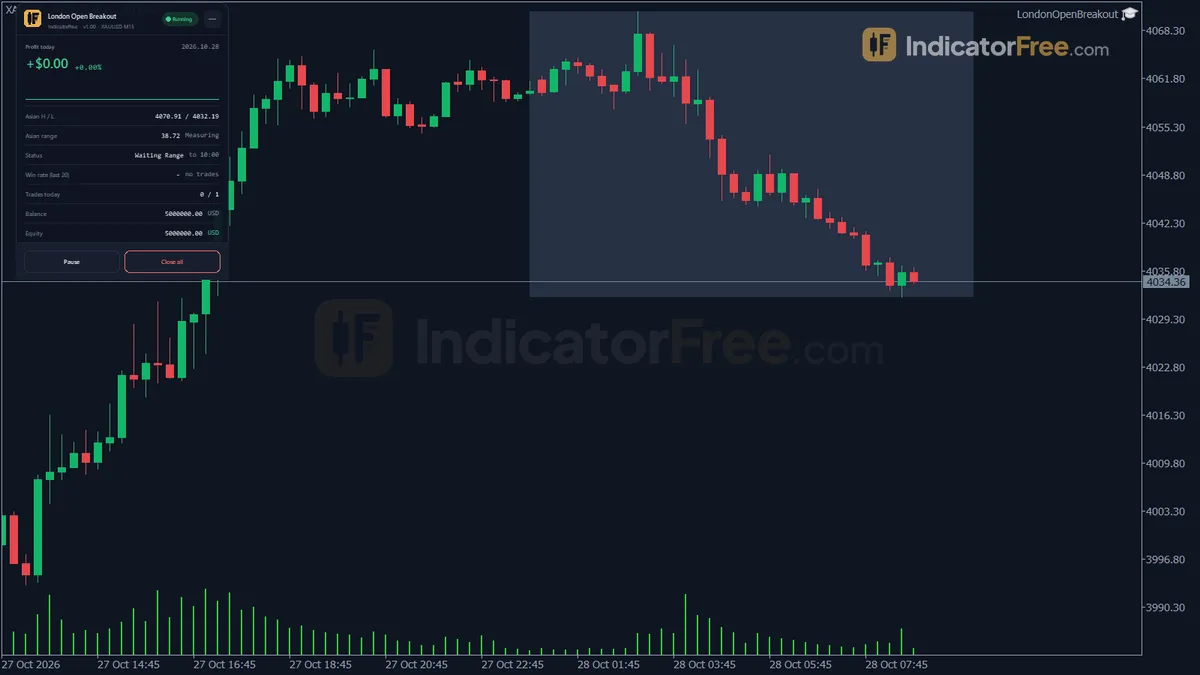
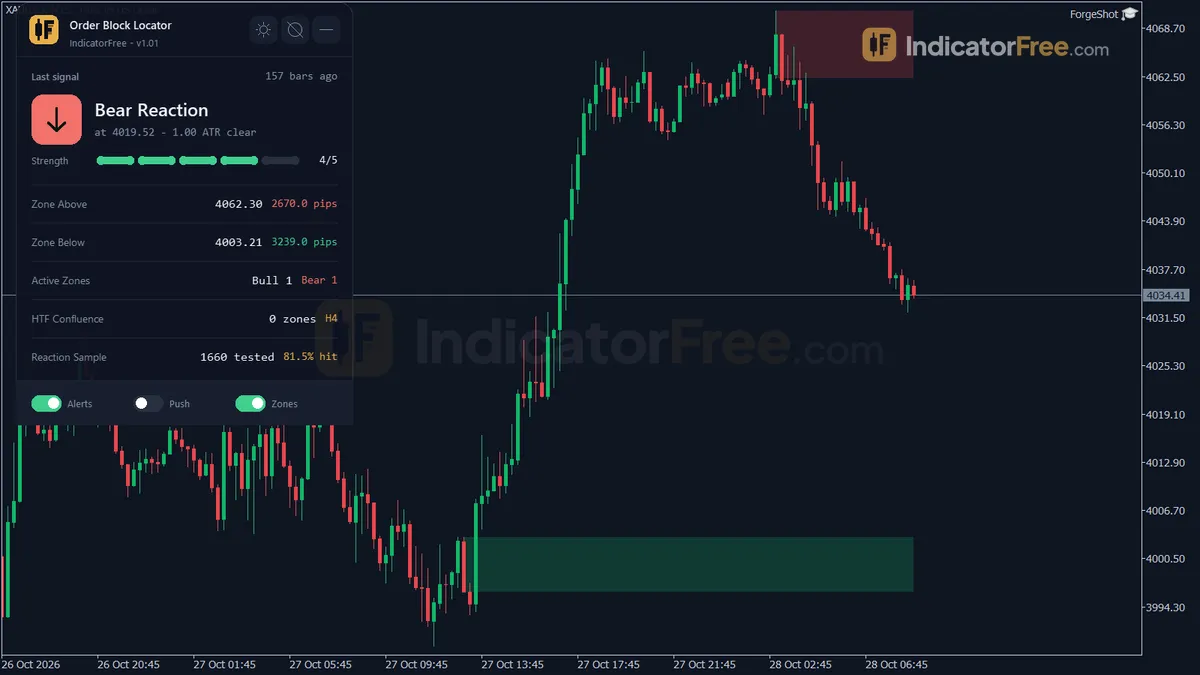
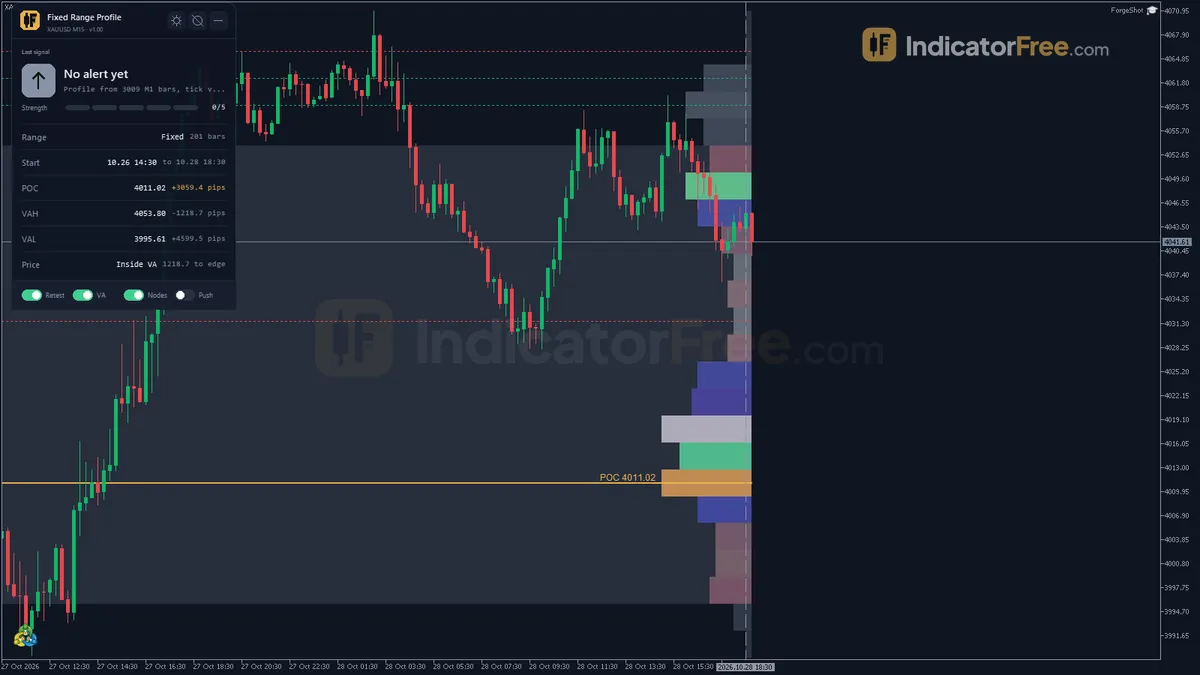
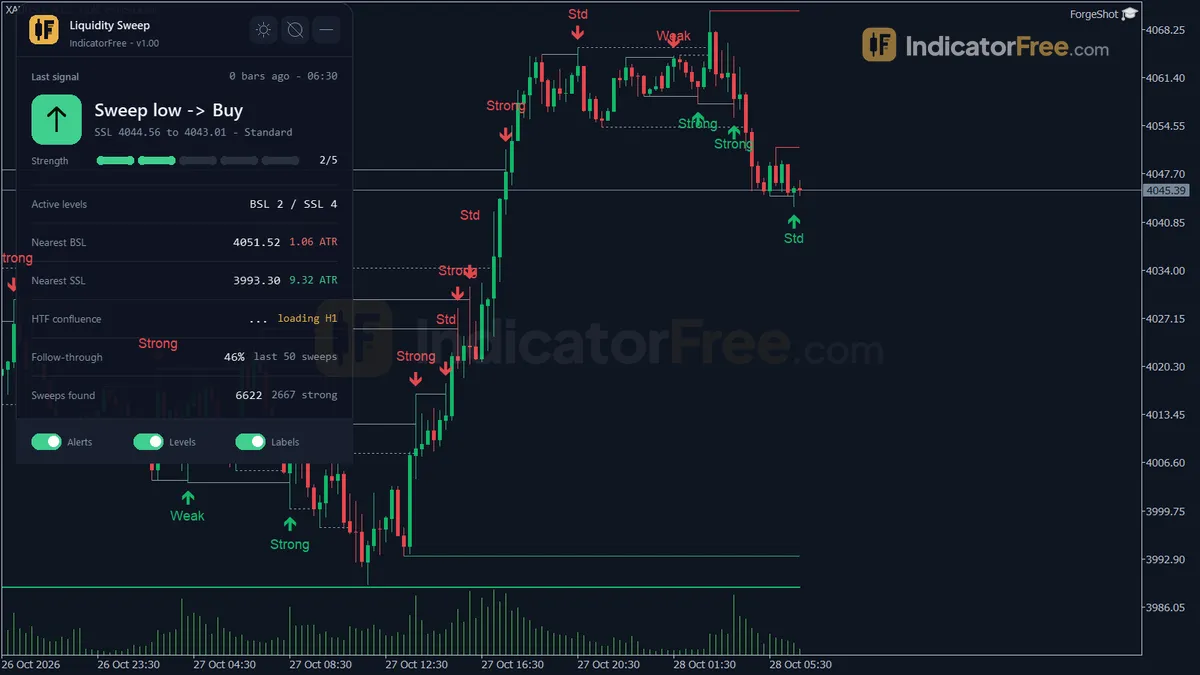
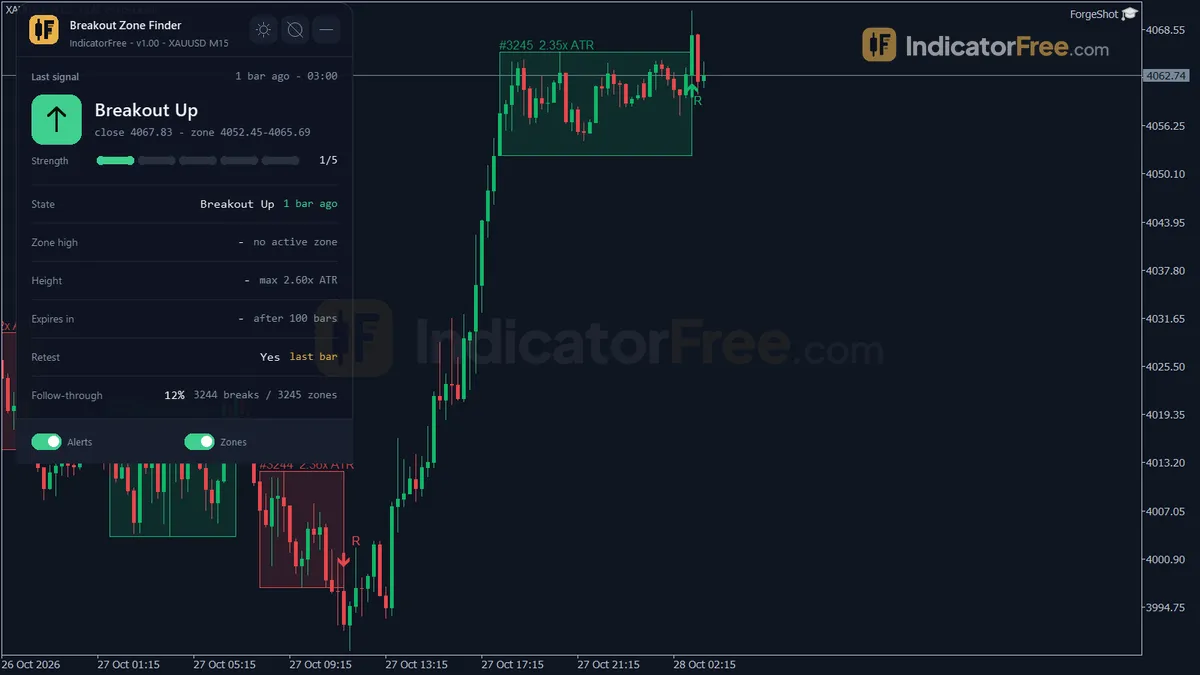
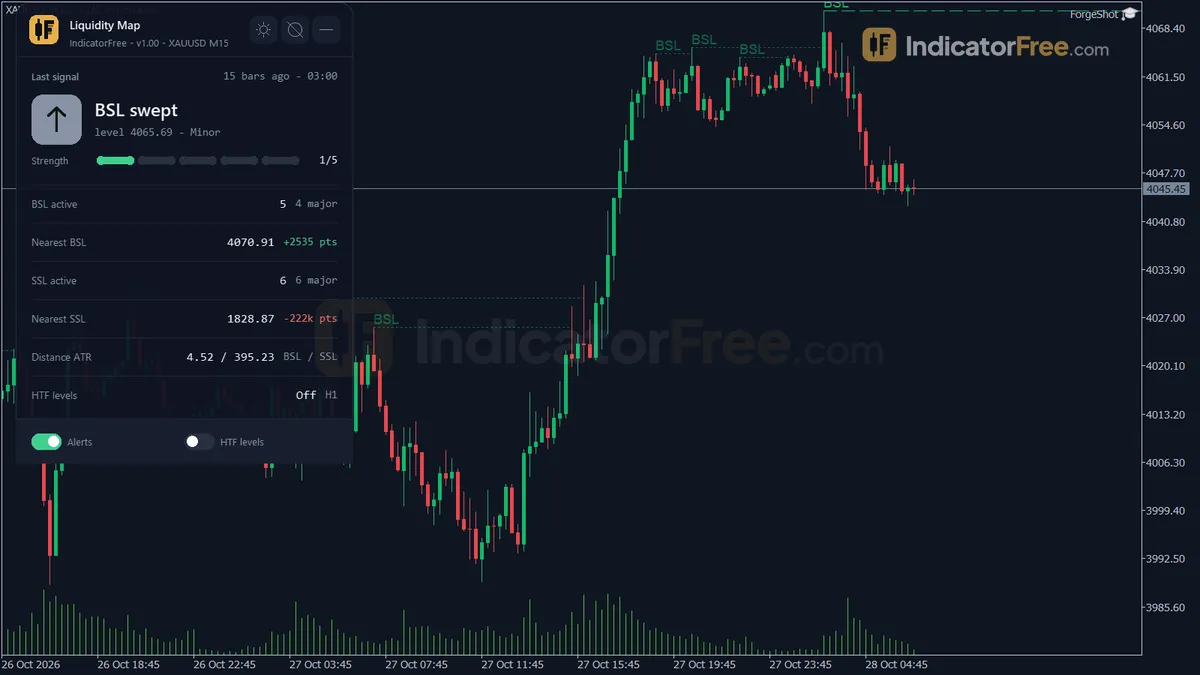
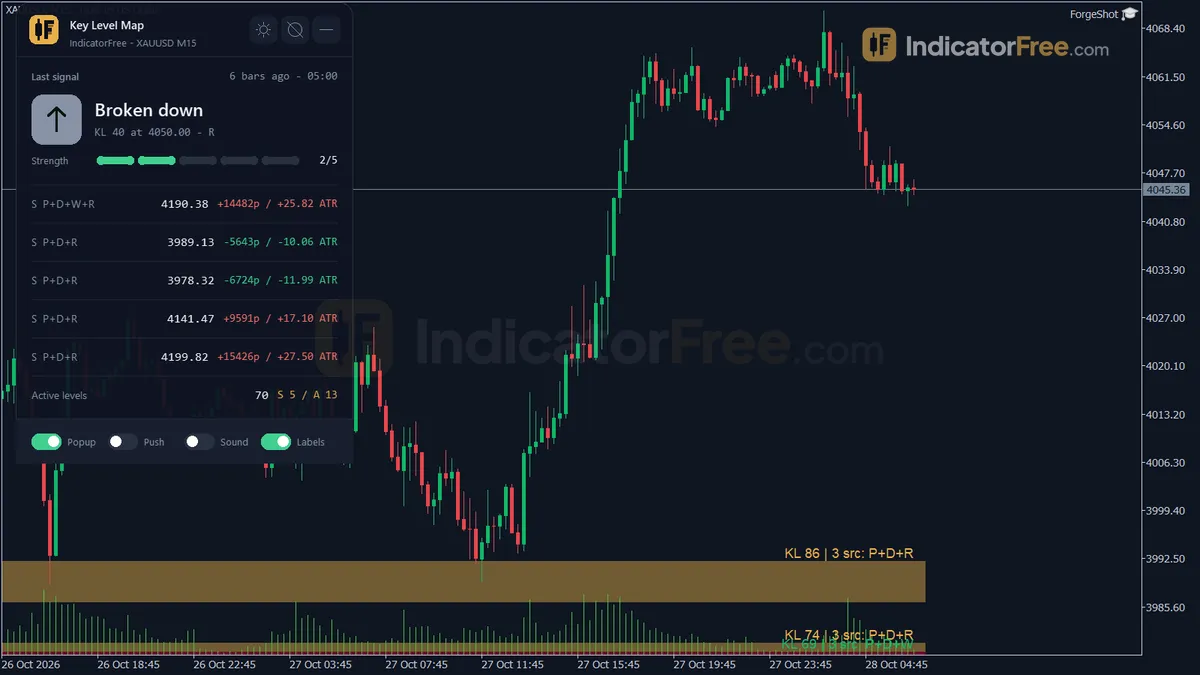
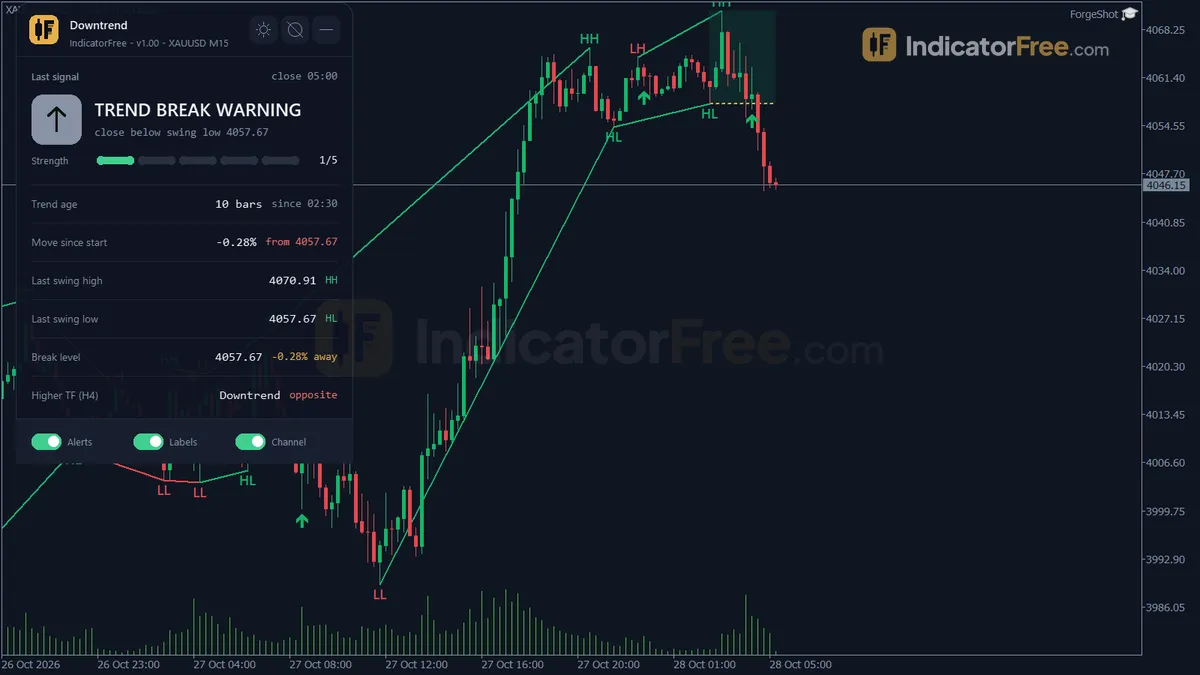
A trading platform is the software you use to see live prices, place and manage orders, and track your account with a broker. It runs on a desktop, in a web browser or on a phone.
Every order you place goes through this software. It controls what you see before you act and what gets sent when you click. One wrong digit in the volume field can put ten times more money at risk than you planned.
What sits between your click and the broker
The platform is only the screen. It is not the market. When you click buy, it sends an instruction to your broker's server, and the broker fills the order. The fill price comes from the broker, not from the software.
Your money and the quality of your fills depend on the broker, not on the platform brand. The software does not hold your funds, and a well-known platform does not make a broker safe.
Forex has no single central exchange. The prices on your screen are your broker's quotes. That means two brokers can show slightly different prices for the same pair at the same moment.
Platforms come from two kinds of makers:
- Broker-supplied platforms connect straight to your account.
- Charting platforms are built for analysis. They can place trades only if your broker lets you link your account to them.
The device is a separate choice. A phone app usually gives you fewer drawing tools and a smaller order ticket than the desktop version.
How two order-window mistakes change your risk
The figures in this section are an illustrative example. You want to trade EUR/USD with a 20-pip stop loss. A pip here is 0.0001, the fourth decimal of the price.
The mock-up below labels the parts of a typical order window that these two mistakes involve.
The first mistake happens in the volume field. Many platforms count volume in lots, and 1.00 lot is 100,000 units. If you mean to type 0.10 but type 1.00, your risk is ten times bigger. The calculation below shows the steps.
Decision rule: before you click, multiply your stop in pips by the pip value for the volume shown. If the answer is more than you planned to lose, lower the volume. Do not tighten the stop to make the numbers fit.
The second mistake is misreading the chart price. Many platforms draw the chart from the bid, which is the price you can sell at. A buy fills at the ask, and a short position also closes at the ask. So the stop on a short can trigger even though no candle on the chart reached your line.
In the same example, you sell at 1.10000, set your stop at 1.10200, and the spread is 2 pips. The ask reaches 1.10200 when the bid is only 1.10180. The picture below shows the gap: the chart's high stays 2 pips below your stop, but the trade still closes.
Where you see and set each part of a trade
Names differ between platforms, but most have the same five areas.
| Area | What you see | What you set |
|---|---|---|
| Quotes list | Bid and ask for each symbol | Which symbols to watch |
| Chart | Price history, often drawn from the bid | Timeframe, drawings, indicators |
| Order window | Current bid and ask | Volume, order type, stop loss, take profit |
| Positions / account panel | Open trades, floating profit or loss, balance, equity, margin | Changing a stop, closing all or part of a trade |
| History | Closed trades, commission, swap | Date range for your review |
Picking a platform for day trading
Day trading means you open and close your trades within the same day, often on 1-minute to 1-hour charts.
- If you trade fast moves, choose a platform that lets you attach the stop loss and take profit in the same order ticket, before the order is sent.
- If you manage trades from a phone, make sure you can move a stop and close part of a position on the mobile app, not only on desktop.
- If you analyze on one platform and place orders on another, put both side by side at a busy moment, such as a session open, and note the price difference. If the gap is bigger than the distance you accept on an entry, take your entry prices from the broker's own chart.
- If the platform offers one-click trading, keep it switched off until you trust your volume setting.
Checks before your first live order
- Place a demo trade and confirm the volume equals the number of units you expected.
- Open the symbol's contract details and note the lot size, minimum volume and trading hours.
- Turn on the ask line if your platform has one, so stops on short trades match what you see (see the stop-out example above).
- Check the server time zone, so daily candles and session times line up with your plan.
- Check whether the stop and take-profit fields expect a price or a distance in points before you type anything.
- After a demo trade, look in the history for commission and swap, so you know where your costs show up.
FAQ
Should I use MT4 or MT5?
Use the one your broker supports for the account type you want. If both are offered, note that MT5 is the newer one and covers more asset types and timeframes.
Do I pay to use a trading platform?
A broker-supplied platform usually comes with your account at no extra charge. Your trading costs come from the spread, commission and swap instead. Some charting platforms charge a subscription for extra features.
Can I use any platform with any broker?
No. The broker must support the platform, and each account is opened for one platform. An MT4 login, for example, will not work in MT5.