Breakout EAs
- Indicators
- 0
- Expert Advisors
- 1
- Downloads
- 92
1 tool
| # | Tool | Type | Platform | Test result | Signals / week | Downloads | Released | |
|---|---|---|---|---|---|---|---|---|
| 1 | 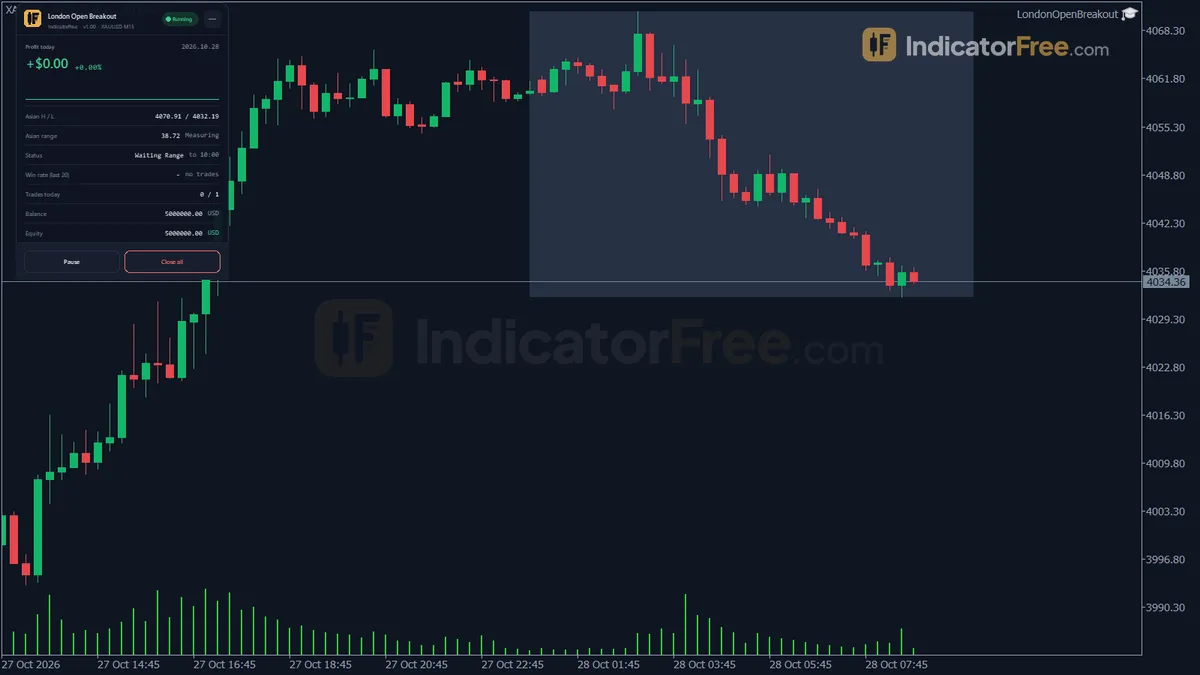 London Open BreakoutBreakout EAs | EA | MT5 | PF 1.35 | — | 92 | Oct 2, 2026 | Get it |
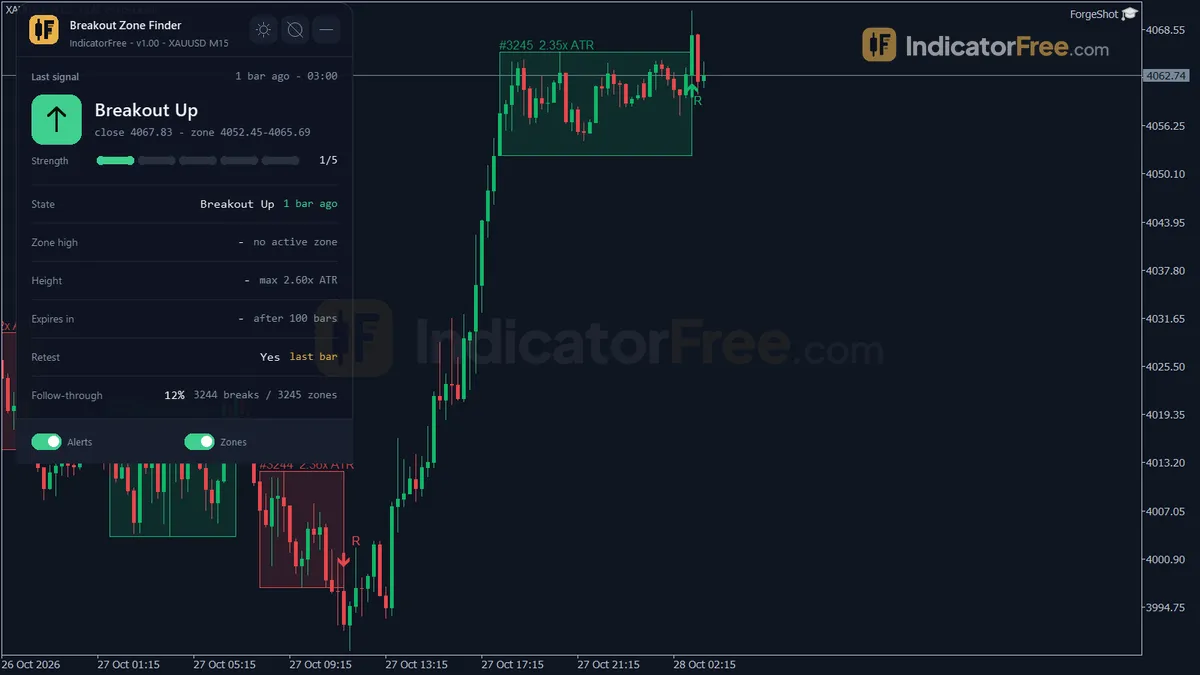
A breakout EA draws a box around a quiet period, then trades when price leaves that box. The idea is that calm periods are often followed by a burst of movement. The EA solves a timing problem: many breakouts happen at hours when you are asleep or busy, and manual traders often hesitate, then chase the move late.
Range, trigger, management, exit: a breakout EA's four steps
Most breakout EAs follow the same four steps.
- Define the range. For example, the high and low between 00:00 and 07:00 server time.
- Place the trigger. Usually a buy stop a few pips above the high and a sell stop a few pips below the low. These are pending orders, so the EA does not need to watch every tick.
- Manage the trade. Once one side fills, the other is often cancelled. The stop goes inside the range or at the opposite side.
- Close by rule. At a target, by trailing stop, or at a set time of day.
The London open breakout EA is one example in this group. Its name describes the approach: trading the break that often comes with the London open.
Session, opening-range, consolidation and volatility breakouts
| Type | Range it uses | When it tends to fit | Main risk |
|---|---|---|---|
| Session breakout | Asian session high/low | Pairs that move at the London open | Range too wide, so the stop is huge |
| Opening range | First 15-60 minutes of a session | Indices, gold, active hours | Early noise triggers both sides |
| Consolidation breakout | Any tight range found by the EA | Any symbol, any time | Detecting a "range" that is not one |
| Volatility breakout | Range plus a multiple of ATR | Markets after a quiet stretch | Late entries after part of the move |
Session and opening-range EAs are the easiest to understand and verify. Start there if you are new to this group.
Range-size filters that cut false breakout entries
The big enemy is the false breakout. Price pokes above the high, fills the buy stop, then falls back inside the range and hits the stop.
This happens most often when price stays sideways through the session, or when a single spike from a news release triggers the order and then reverses.
Common filters you will see in the inputs:
- Maximum range size. Skip the day if the range is too wide, because the stop would be too large.
- Minimum range size. Skip the day if the range is tiny, because noise alone can trigger it.
- Buffer distance. Place the order a few pips beyond the level, not exactly on it.
- Time cut-off. Cancel untriggered orders after a few hours.
- One trade per day. Stops the EA from flipping back and forth.
A useful if/then rule: if most of your losing trades happen on days with a very small range, raise the minimum range filter. If they happen on days with a very wide range, lower the maximum.
Size a 30-pip Asian range breakout at 1% risk
Example: the Asian range on a pair is 30 pips, from 1.1000 to 1.1030. The EA places a buy stop at 1.1033 and a sell stop at 1.0997, a 3-pip buffer on each side.
Price rises at the London open and fills the buy at 1.1033. The sell stop is cancelled. The stop loss goes at the range low, 1.1000, so the risk is 33 pips.
With a 1% risk setting on a 10,000 account, the EA risks 100. That means about 3 dollars per pip, or roughly 0.3 lots on a standard pair. A target of 1.5 times the risk sits about 50 pips above entry, at 1.1083.
Now change one number. If the range had been 80 pips, the same 1% risk would need a much smaller lot, and the target would be far away. This is why the maximum-range filter matters so much.
Always check how your EA sizes the trade. Our page on risk management covers fixed-percent risk in more detail.
Set server time and real ticks before testing a breakout EA
Breakout EAs depend heavily on server time. Before testing, confirm your broker's time zone and adjust the range hours in the inputs. A range set two hours off is a different strategy.
In the MetaTrader 5 Strategy Tester, use real ticks where possible. Pending orders that fill during fast moves are where spread and slippage hurt most, and simple tick models can hide that.
Breakout EAs also need volatility expansion to work. If a symbol has been quiet for weeks, expect a run of small losses or skipped days.
To see these ranges on a chart, browse the breakout and session indicators. Watching the range on your chart for two weeks will tell you more about the EA's logic than any backtest. Then forward test it on demo for at least a month, logging every false breakout.