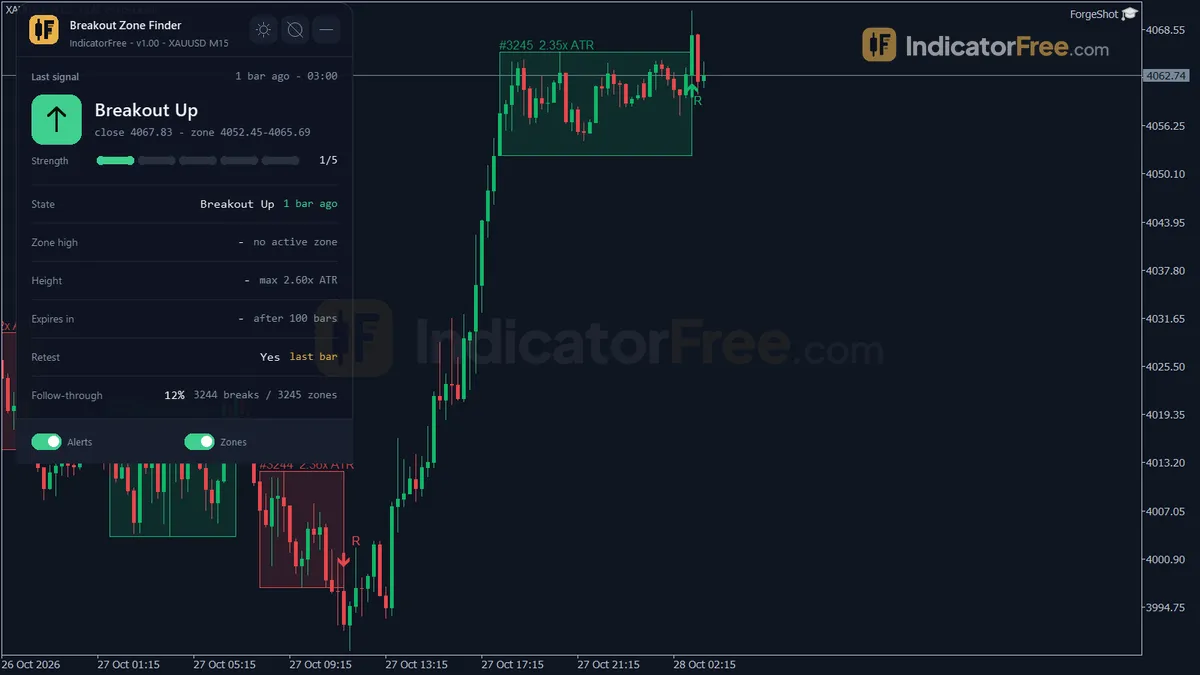
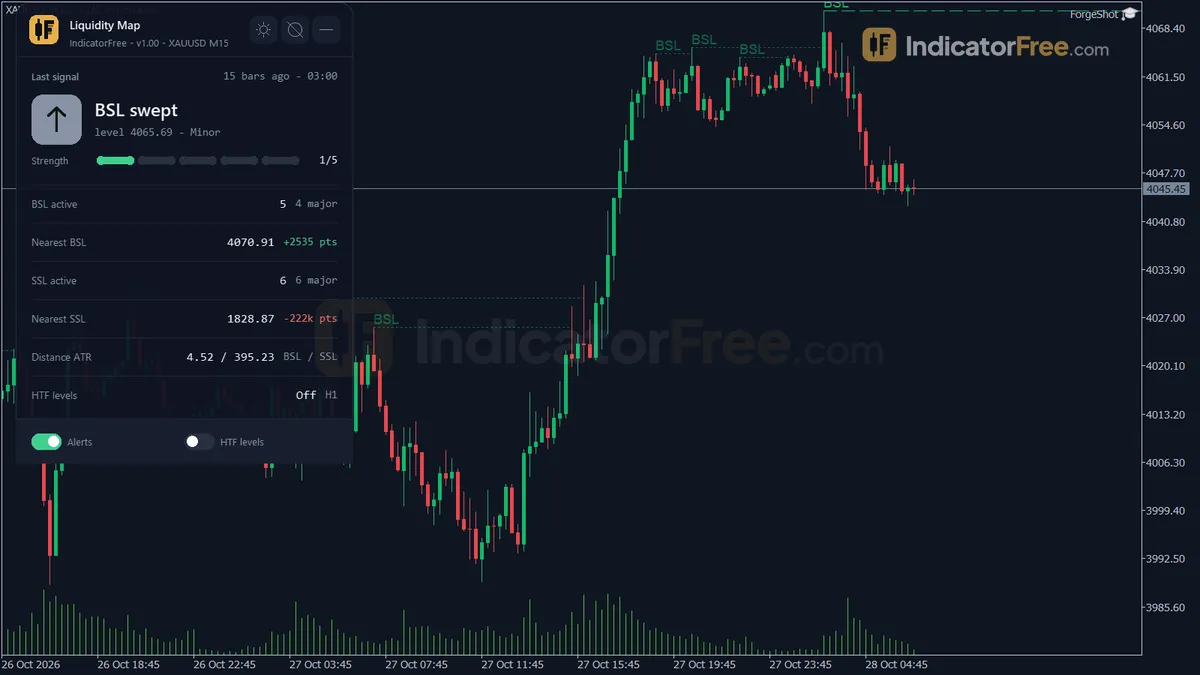
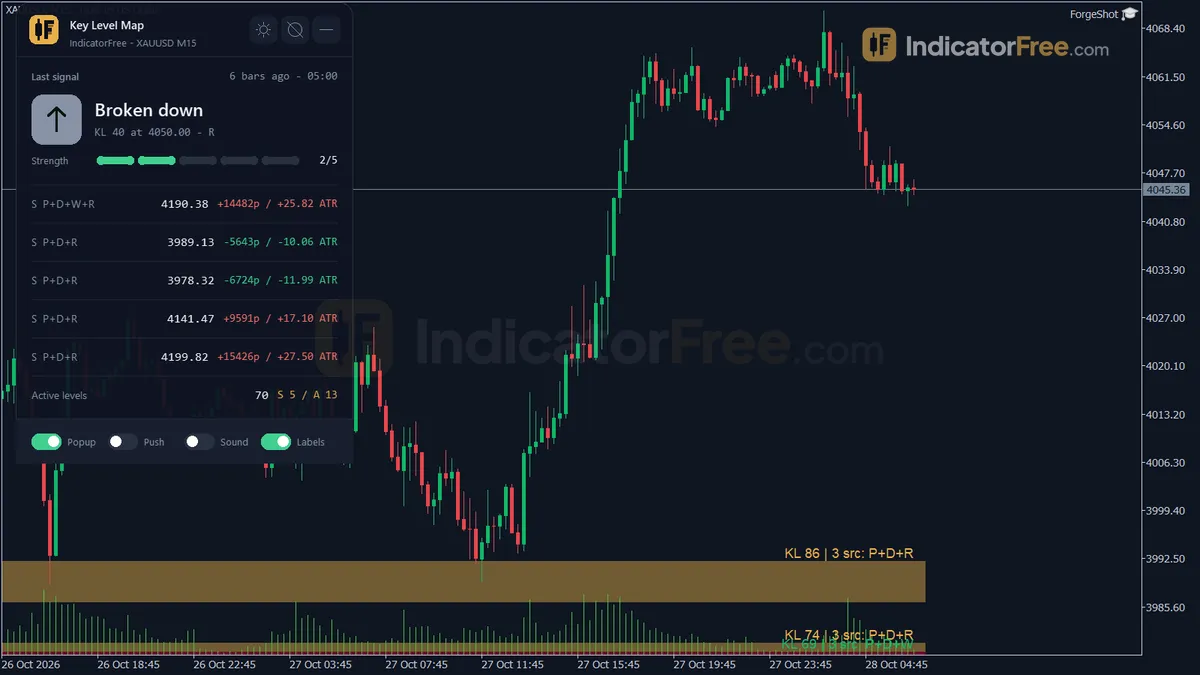
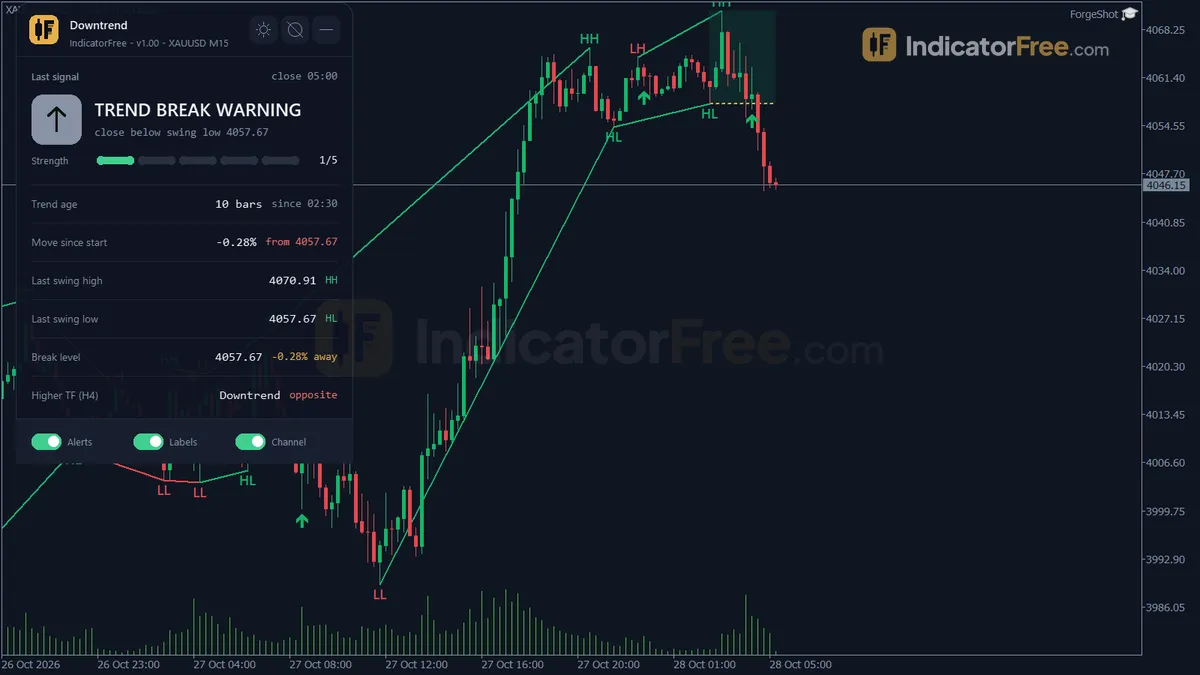
Push notifications
Also called push alerts, push notification, mobile alerts, phone alerts, mobile push alerts
Push notifications are short messages your trading platform or charting app sends to your phone when something you chose to watch happens, such as price reaching a level, an order filling or a stop being hit, even when the app is closed.
A push only tells you something happened. It does not act for you. What it saves or costs you depends on how late it lands and what you do in the seconds after reading it.
What a trading push tells you, and what it leaves out
Most trading pushes fall into three groups:
- Price alerts you set yourself, such as a pair crossing a level.
- Account events, such as an order filled, a stop-loss or take-profit hit, or a margin warning.
- Signals from an indicator or an automated strategy.
The message is short: usually the symbol, the event and sometimes a price. It does not show the current spread, and the price in it is the price when the alert fired, not the price when you read it. Alerts often fire around news, when the spread is widest, so the price you can actually buy at may be several pips worse than the price in the push.
How a late alert changes your risk: a worked example
The figures here are an illustrative example. You plan to buy EUR/USD on a break of 1.1050, with a stop-loss at 1.1030 and a target at 1.1090. You trade 0.10 lots, so one pip is worth $1.
On plan, you risk 20 pips ($20) to make 40 pips ($40). The reward is twice the risk.
The push arrives while you are away from the screen. By the time you open the app, price is 1.1062. The stop stays at 1.1030 and the target at 1.1090, so your stop is now 32 pips away and your target only 28 pips away. With the same 0.10 lots you risk $32 to make $28.
The calculation below shows the numbers, and the size that would bring the risk back to $20.
Rounded down to 0.06 lots, 32 pips is about $19 at risk, just under the planned $20. That is why you round down and not up.
A rule you can copy: when you open the chart, measure how far price has moved past the alert level. If your reward is now smaller than your risk, skip the trade or wait for a pullback. If you still want in, cut the size so the money at risk stays the same.
Where you switch on push alerts on your trading platform
Push alerts need three switches, and all three must be on:
- Phone settings: the trading app is allowed to show notifications.
- Mobile app settings: notifications are enabled, and you are logged in. Some platforms give the app a device ID, usually shown in the mobile app's settings or messages screen, that you paste into the desktop version to link the two.
- The alert itself: each price alert or indicator has its own option to send to the phone. A sound or pop-up alert on the desktop does not reach your phone unless that option is ticked.
The message then travels the path shown below. A break at any step means no alert.
- 1Condition is metPrice hits your level or an order fills
- 2Platform sends itNeeds the platform running or a server-side alert
- 3Phone push serviceRelays the message; can delay it
- 4Your phoneNeeds internet and permission
- 5You read and actThe delay so far is already in the price
One detail decides a lot: where the alert lives. If it runs inside the desktop platform on your computer, that computer must stay on and connected. If it is stored on the provider's server, it fires with all your devices off.
A quick test tells you which kind you have. Set a test alert, close the desktop platform, turn the computer off, and see whether the push still arrives. If it doesn't, your alerts live on your computer.
| Alert channel | Reaches you away from the desk | Usual weak point | Best used for |
|---|---|---|---|
| Push to phone | Yes | Phone settings, battery saving, no signal | Time-sensitive entries |
| Yes, if you check mail | Slower to notice, spam folder | A backup record for open positions | |
| Pop-up or sound on screen | No | You must be at the computer | When you are at the desk |
Push notifications not working: checks in order
Work from the phone back to the alert:
- Confirm the phone has internet and is not in do-not-disturb or focus mode.
- Turn off battery saving for the app. Many phones stop background apps to save power.
- Open the app and confirm you are still logged in to the right account.
- Send a test message from the platform, if it offers one. If the test arrives, the fault is in the alert, not the phone.
- Check the alert has not expired, already fired once, or been set without the phone option.
Checks before you rely on a phone alert
- Keep a real stop-loss in the market. An alert that says "price is near your exit" protects nothing if it arrives late.
- Set the alert a little before your level, so you have time to open the chart. In the illustrative example above, that means an alert a few pips under 1.1050 for the planned buy.
- Choose the trigger with care. An alert on a touch fires on any brief spike. An alert on a candle close is slower but filters noise.
- Add a second channel, such as email, for alerts tied to open positions.
- Re-test after you change phone, reinstall the app or update the phone's software.
- Write the plan into the alert text, for example "Buy only if still under 1.1055". You decide faster with the rule in front of you.
FAQ
Do push notifications cost money or use much mobile data?
The message is a few lines of text, so it uses very little data. Whether the alerts themselves are free depends on your platform or charting provider, which may limit how many alerts you can keep active. Check that limit before you build a plan around them.
Why do I get the same alert many times in a row?
The alert is probably set to fire on every price update while the condition is true. Switch it to trigger once, or once per candle, so it fires a single time.
Will I get the alert later if my phone was switched off?
Often the push service holds a message for a while and delivers it when the phone reconnects, but this does not always happen and old messages can be dropped. Check the alert log in your platform instead of trusting the phone's history.