







Support, resistance & levels
- Indicators
- 9
- Expert Advisors
- 0
- Downloads
- 15
9 tools
| # | Tool | Type | Platform | Test result | Signals / week | Downloads | Released | |
|---|---|---|---|---|---|---|---|---|
| 1 | 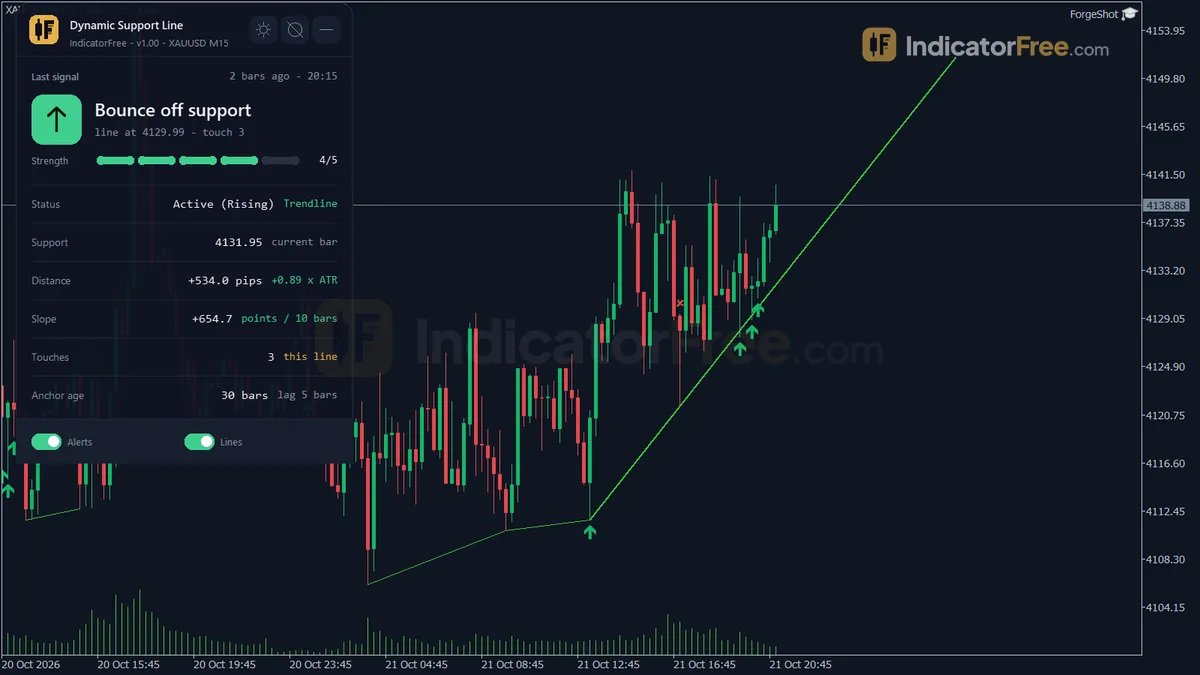 Dynamic Support LineSupport, resistance & levels Dynamic Support LineSupport, resistance & levels | Indicator | MT5 | No repaint | 38.3 | 2 | 22 days ago | Get it |
| 2 | 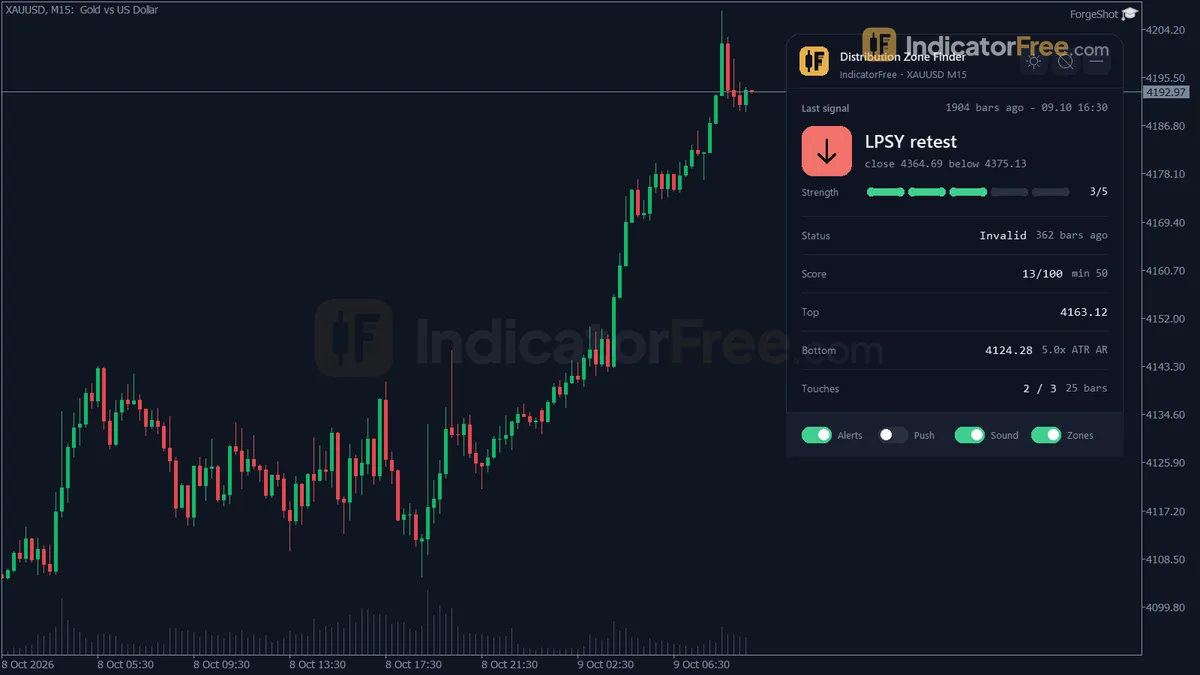 Distribution Zone FinderSupport, resistance & levels Distribution Zone FinderSupport, resistance & levels | Indicator | MT5 | No repaint | 0.2 | 0 | 22 days ago | Get it |
| 3 |  Key Level MapSupport, resistance & levels Key Level MapSupport, resistance & levels | Indicator | MT5 | Not tested | — | 4 | 22 days ago | Get it |
| 4 | 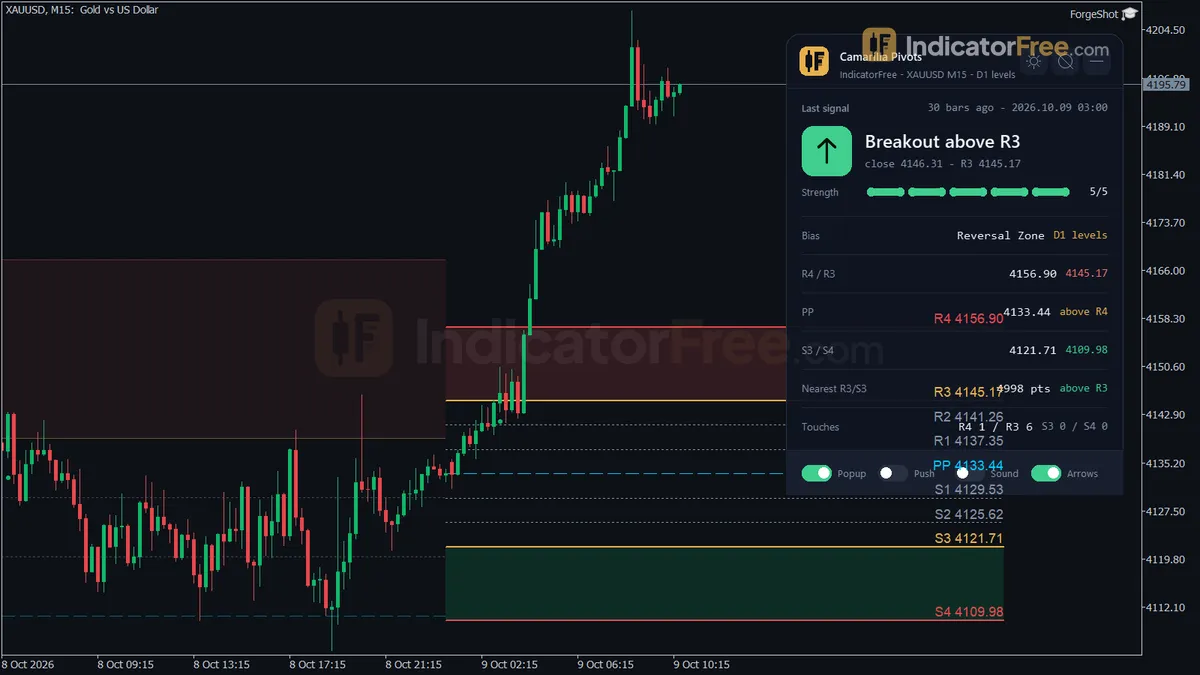 Camarilla PivotsSupport, resistance & levels Camarilla PivotsSupport, resistance & levels | Indicator | MT5 | No repaint | 8.7 | 0 | 23 days ago | Get it |
| 5 | 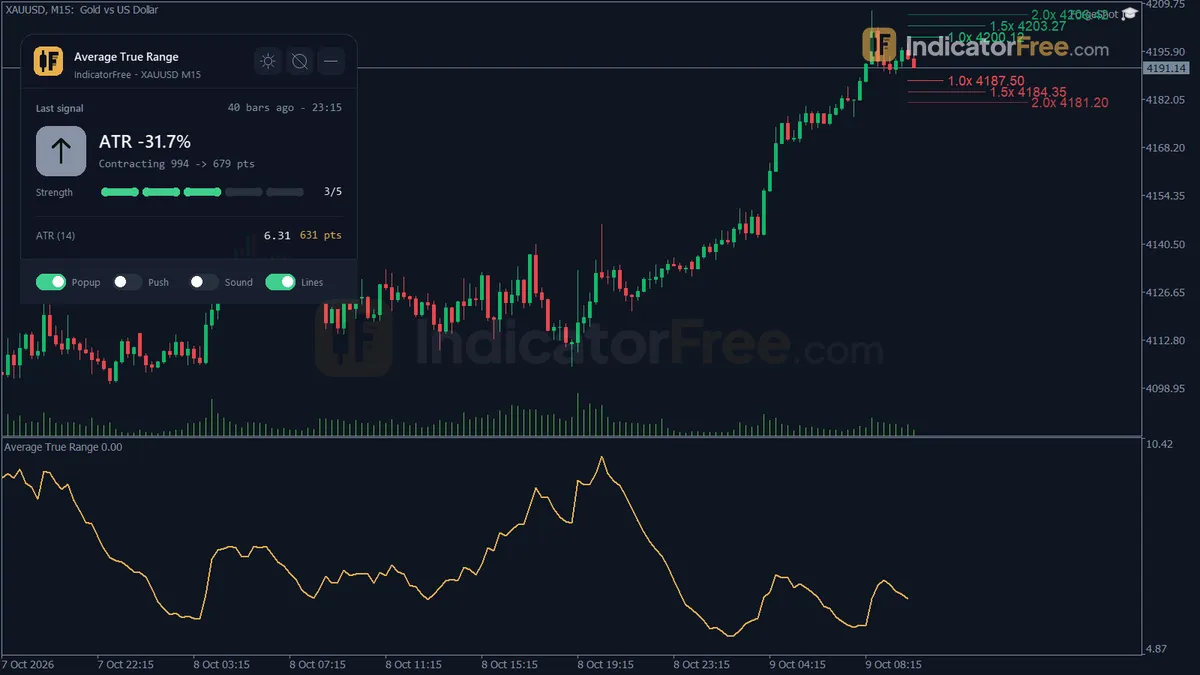 Average True RangeSupport, resistance & levels Average True RangeSupport, resistance & levels | Indicator | MT5 | No repaint | — | 0 | 23 days ago | Get it |
| 6 |  Breakout Zone FinderSupport, resistance & levels Breakout Zone FinderSupport, resistance & levels | Indicator | MT5 | No repaint | 15.6 | 8 | 23 days ago | Get it |
| 7 | 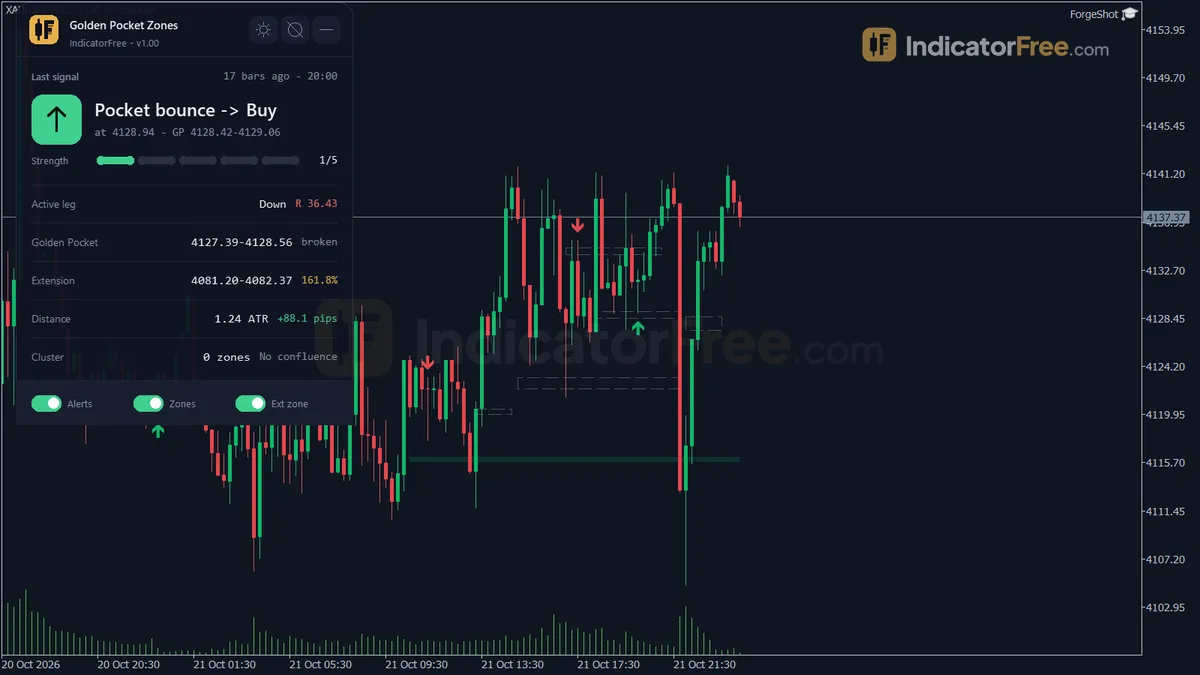 Golden Pocket ZonesSupport, resistance & levels Golden Pocket ZonesSupport, resistance & levels | Indicator | MT5 | No repaint | 14.7 | 0 | 23 days ago | Get it |
| 8 | 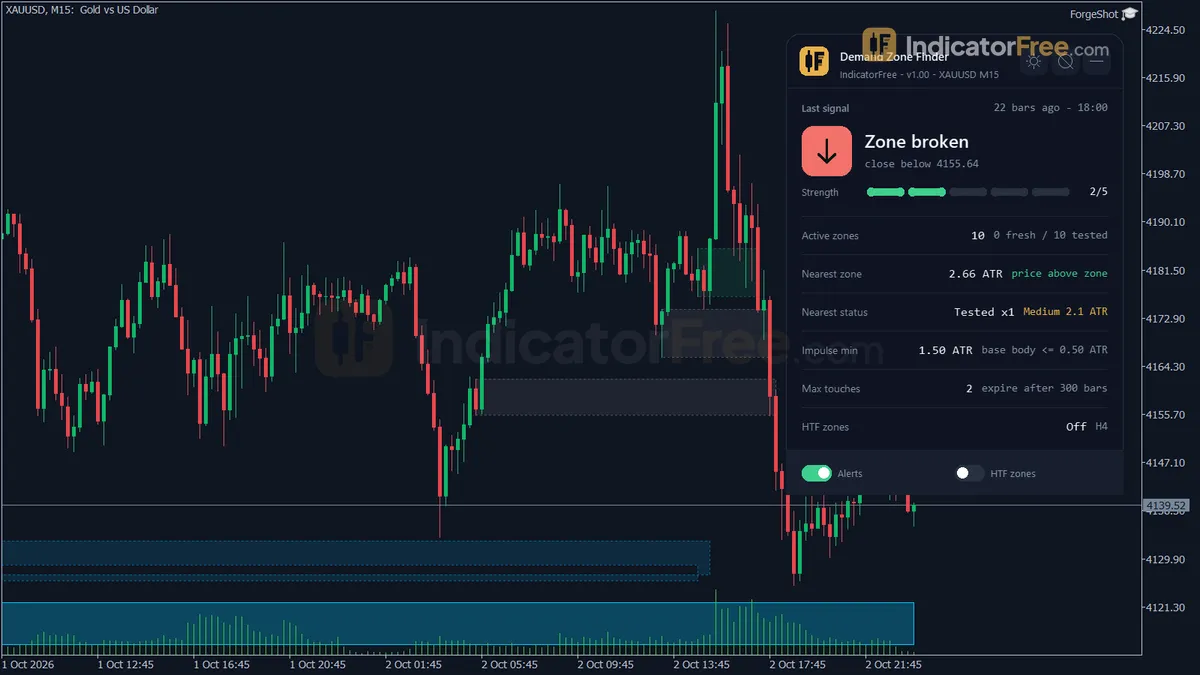 Demand Zone FinderSupport, resistance & levels Demand Zone FinderSupport, resistance & levels | Indicator | MT5 | Not tested | — | 1 | 23 days ago | Get it |
| 9 | 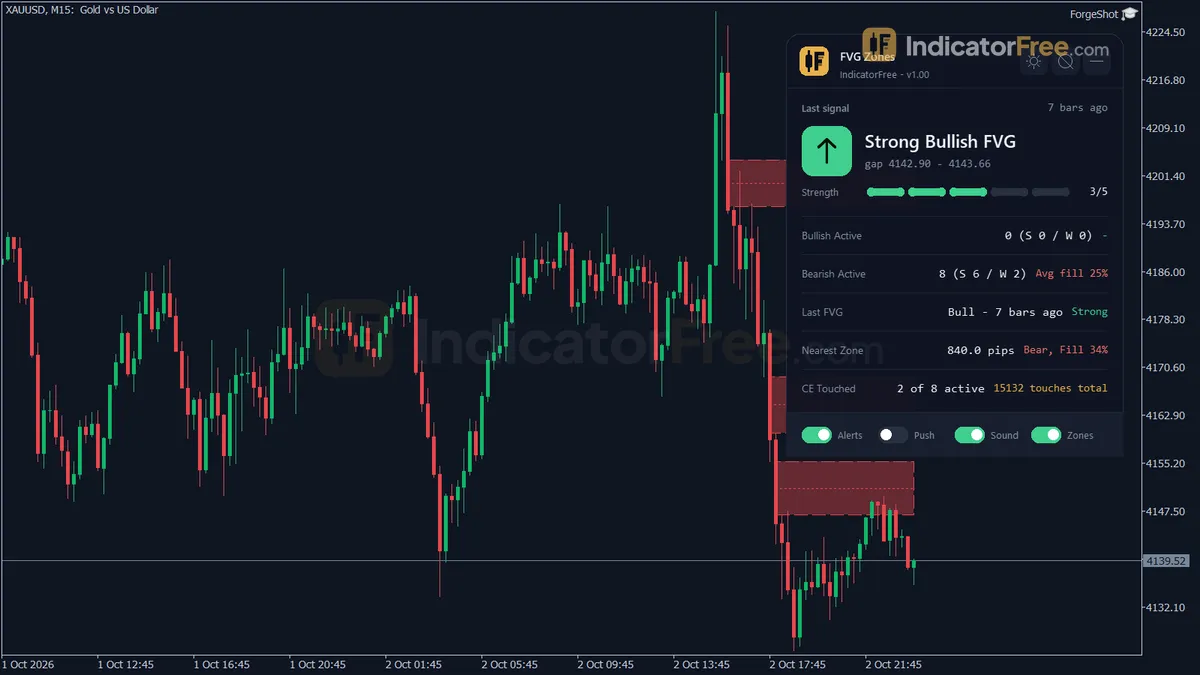 Gap Zone FinderSupport, resistance & levels Gap Zone FinderSupport, resistance & levels | Indicator | MT5 | No repaint | 63.9 | 0 | 28 days ago | Get it |
Support, resistance and level tools mark the prices where the market has reacted before or is likely to react next. They draw supply and demand zones, horizontal levels, daily pivots, Fibonacci ratios, round numbers and the previous day's high and low. The problem they solve is planning. Instead of reacting to every candle, you know ahead of time where you want to act and where you want to wait.
Zones, pivots and Fibonacci: where each level comes from
Not all levels are built the same way. Some come from past price, some from a formula. Knowing the source tells you how much weight to give each one.
| Tool type | How the level is found | Main use |
|---|---|---|
| Supply and demand zones | The base a strong move started from | Entries on the first return to the zone |
| Support and resistance | Prices where swings turned more than once | Targets, stops, breakout levels |
| Pivots (classic, Camarilla) | A formula from the prior day's high, low and close | Intraday reference points |
| Fibonacci retracement and extension | Ratios of a chosen swing | Pullback depth and projected targets |
| Previous day high/low, round numbers | Simple reference prices | Areas where many orders cluster |
Price-based levels, like zones and swing points, reflect what traders actually did. Formula levels, like pivots, are useful because many people watch the same numbers. Both have value, but for different reasons.
The first habit to build is thinking in zones. Price rarely turns at an exact tick. A level at 1.1000 is really an area from about 1.0995 to 1.1005, depending on the pair and its volatility.
A practical rule: make the zone width roughly 10 to 20 percent of the daily ATR. If EURUSD moves 80 pips a day, a zone of 8 to 16 pips is sensible. Wider zones on quiet pairs make little sense. Narrower zones on gold usually get pierced by a wick before price reacts.
Five checks that rank a supply or demand zone
Many traders treat every level as equal. They are not. Use this checklist to rank a zone before you trade it:
- Fresh: has price returned to it yet? The first test is usually the cleanest.
- Origin: did price leave the zone fast, with large candles? A slow drift away means weak interest.
- Confluence: does it line up with something else, such as a pivot, a 61.8% Fibonacci ratio, or a round number?
- Higher timeframe: is the level visible on H4 or D1, not only on M5?
- Context: does the trend support a reaction here?
Three or more yes answers make a level worth watching. One or none means it is just a line on the chart.
Why repeated touches weaken a level instead of strengthening it
It feels logical that a level touched five times is stronger than one touched twice. Often the opposite is true. Each touch fills orders that were waiting there. After several tests, fewer orders remain, and a break becomes more likely, not less.
So treat repeated tests as a warning. If price keeps returning to resistance with higher lows below it, the pressure is building toward a breakout. Pair your level tool with a break of structure or a breakout tool to see when the level finally gives way.
A USDJPY demand zone trade with a Fibonacci overlap
Example: USDJPY on H1, with the daily trend up.
- A demand zone sits at 150.00 to 150.20, where a strong rally began two days ago. Price has not returned since.
- The 61.8% Fibonacci retracement of that rally is at 150.15, inside the zone.
- You place a buy limit pending order at 150.20, with a stop at 149.85, 35 pips below.
- Your target is the recent high at 151.10, 90 pips away.
If price trades down to 149.85, the stop is hit and the zone has failed. You accept the loss and do not re-enter at the same zone. A broken demand zone often turns into supply on the way back up.
Tools in this group include the Demand Zone Finder, Camarilla Pivots and the Fibonacci Retracement indicator.
Pivots for intraday trading, zones for swing trading
Pick tools that match your timeframe.
- Intraday traders lean on pivots, previous day high/low and session levels. They reset each day.
- Swing traders lean on supply and demand zones and higher timeframe support and resistance.
- Fibonacci tools suit traders who wait for pullbacks inside a clear trend.
Levels combine well with other groups. A trend tool tells you which zones to favour: demand in an uptrend, supply in a downtrend. A candle pattern from the price action group gives you a trigger once price arrives. The level answers "where", the trend answers "which side", and the candle answers "now or not yet".
Mark three H4 zones and track them for a week
Read the supply and demand topic hub for more on how zones form. Then pick one pair, mark three zones on the H4 chart using the checklist above, and watch for a week on a demo account. Note which ones held and which broke, and why.