









Free trading indicators
- Indicators
- 43
- Expert Advisors
- 0
- Downloads
- 84
43 tools
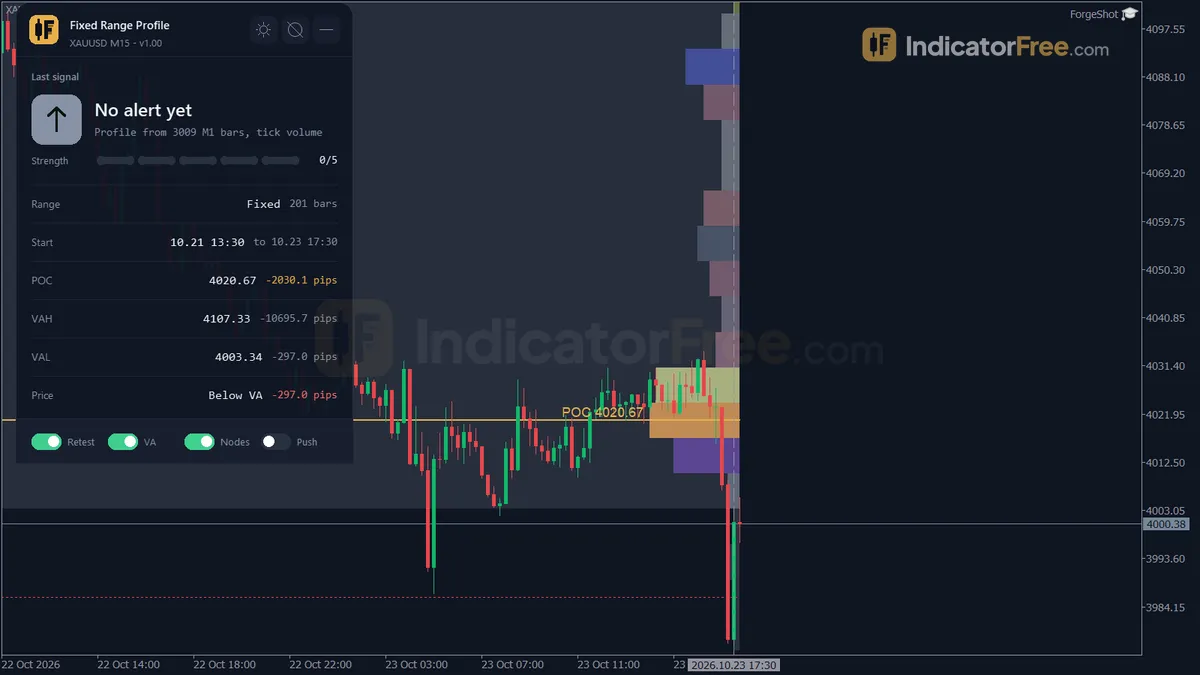
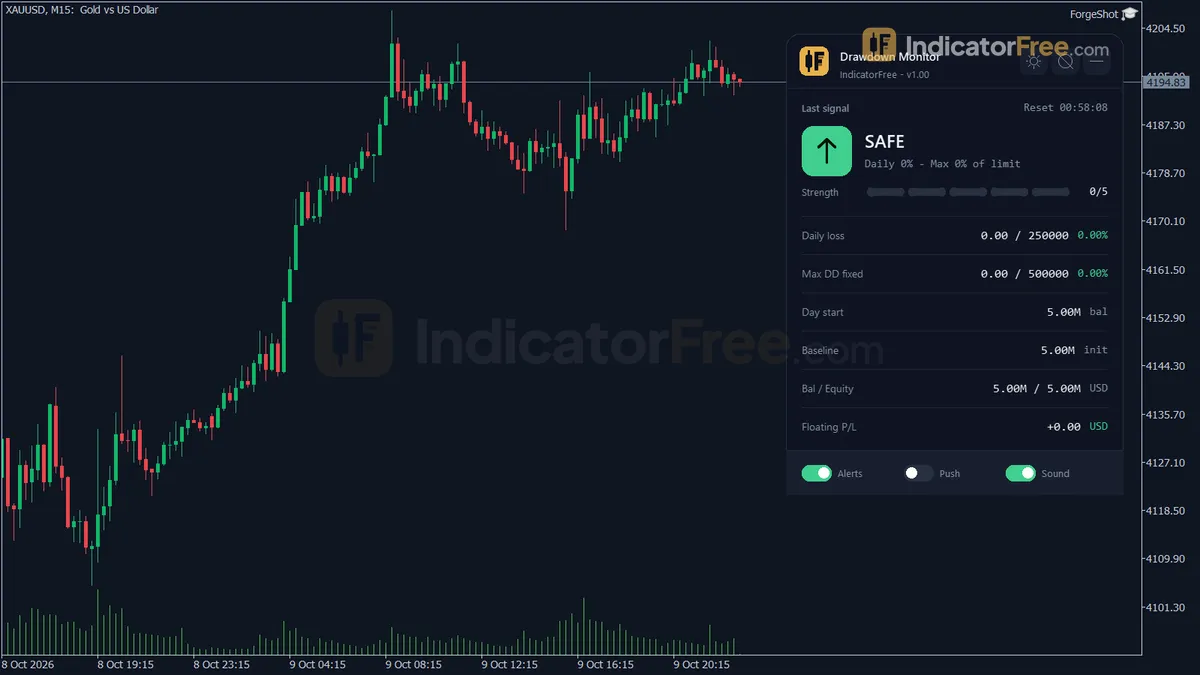
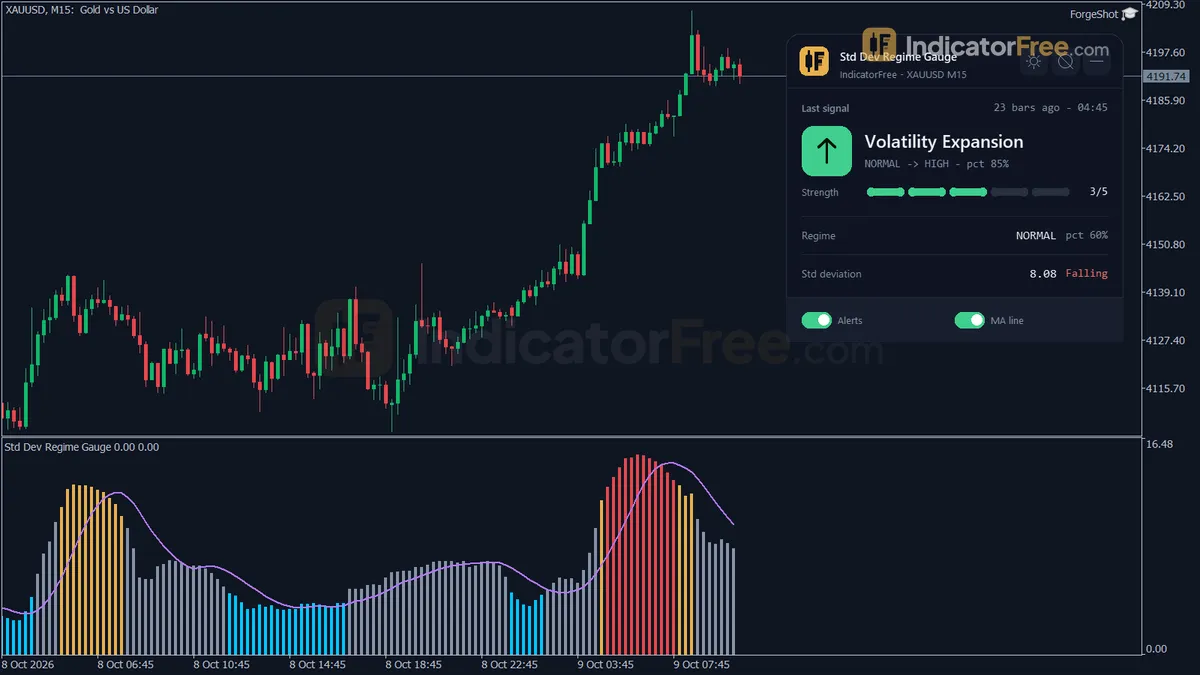
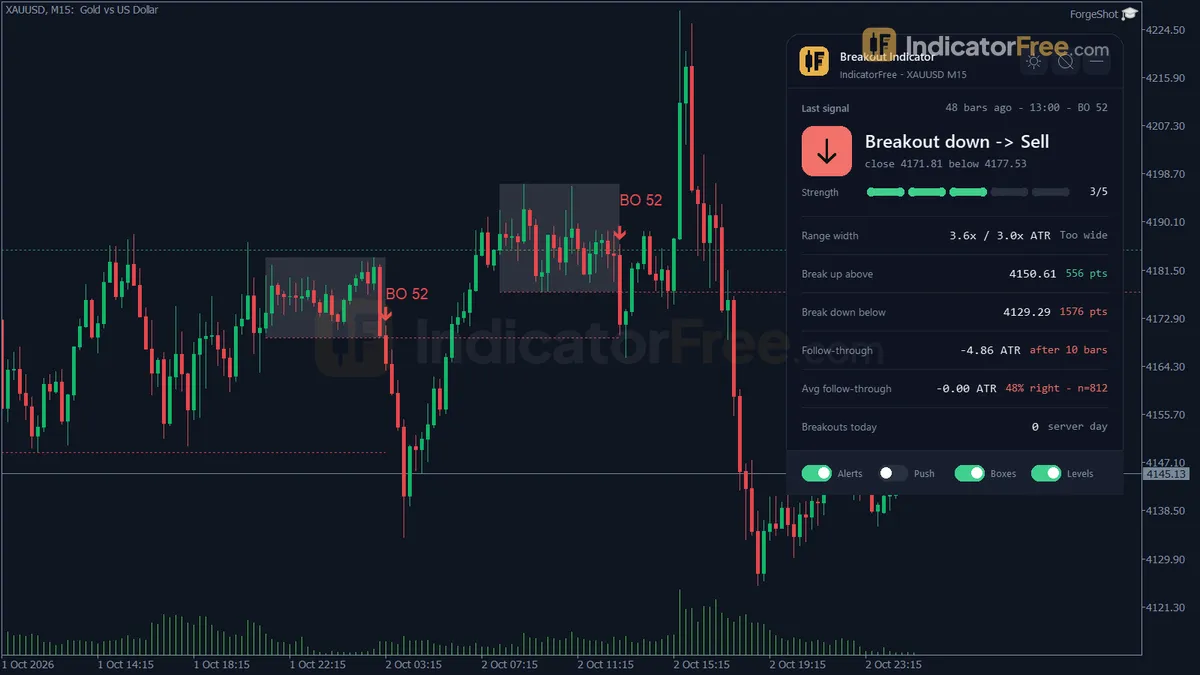
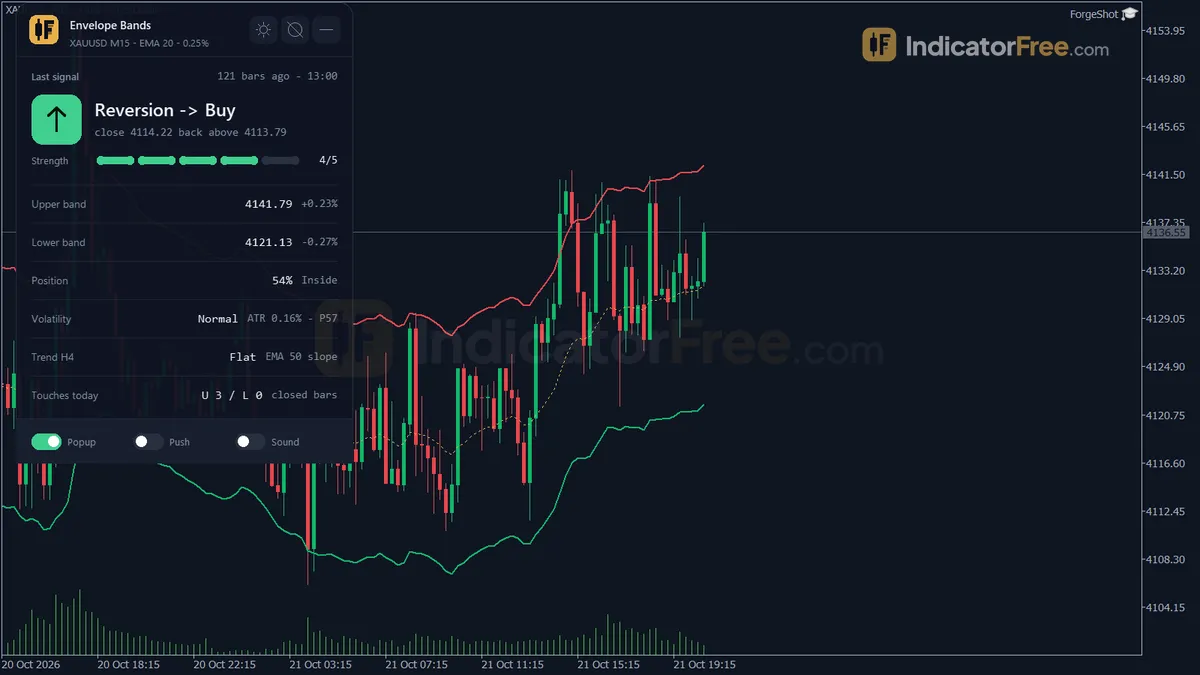
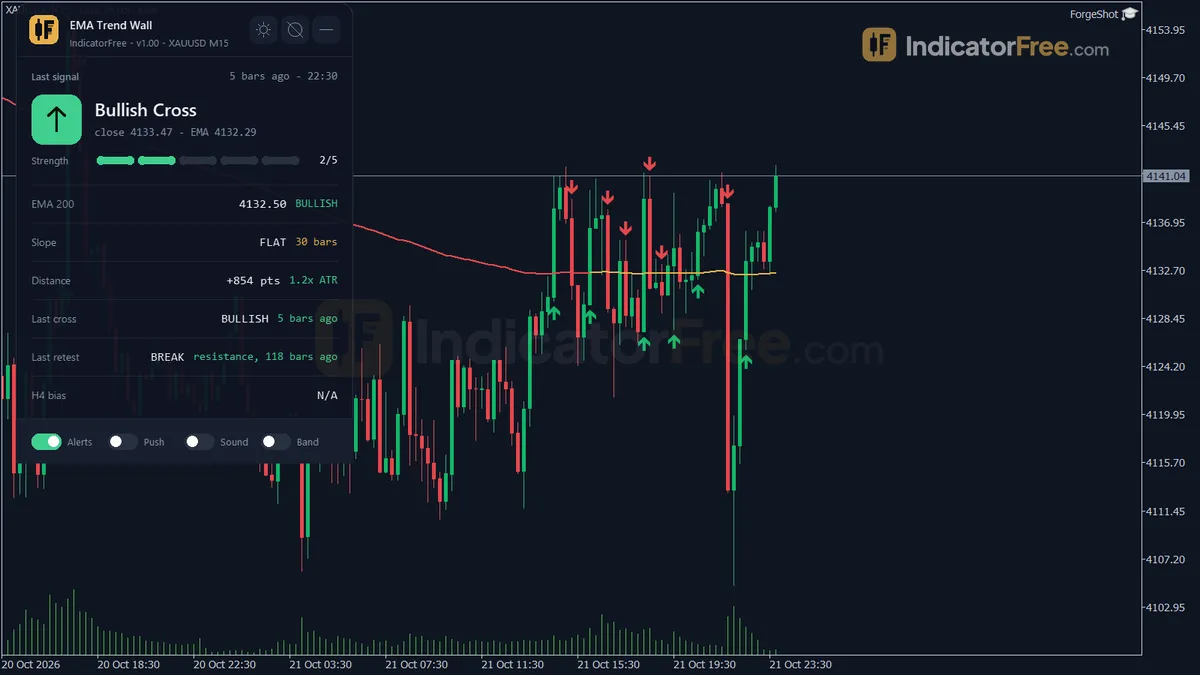
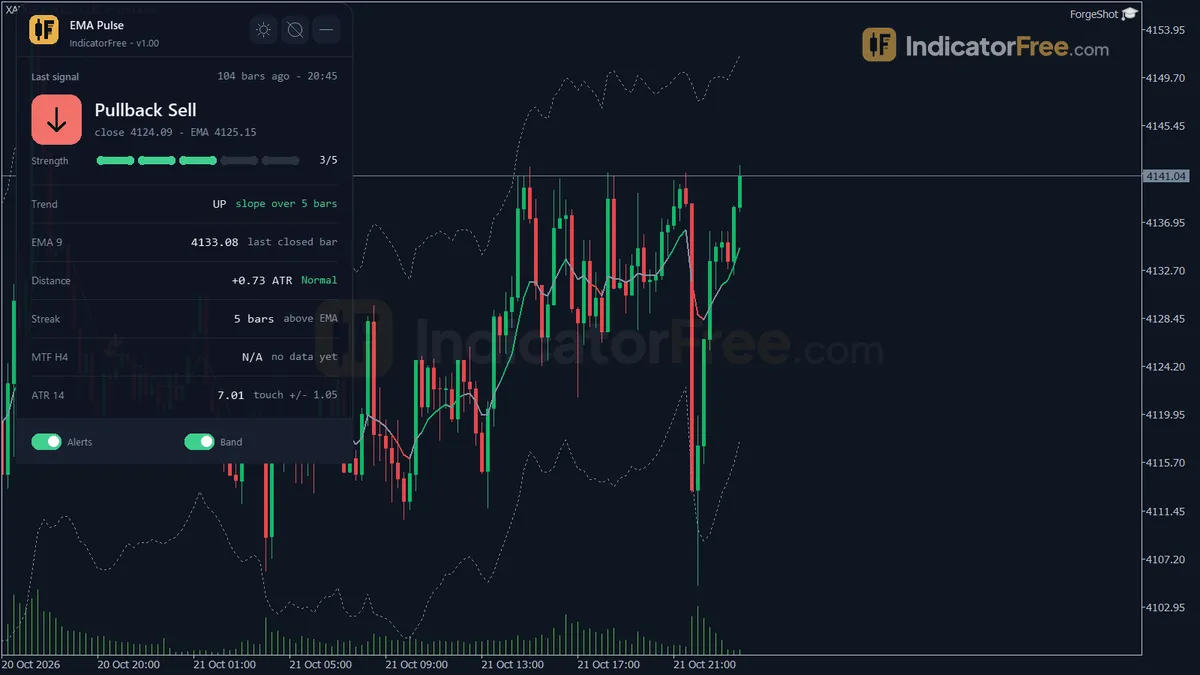
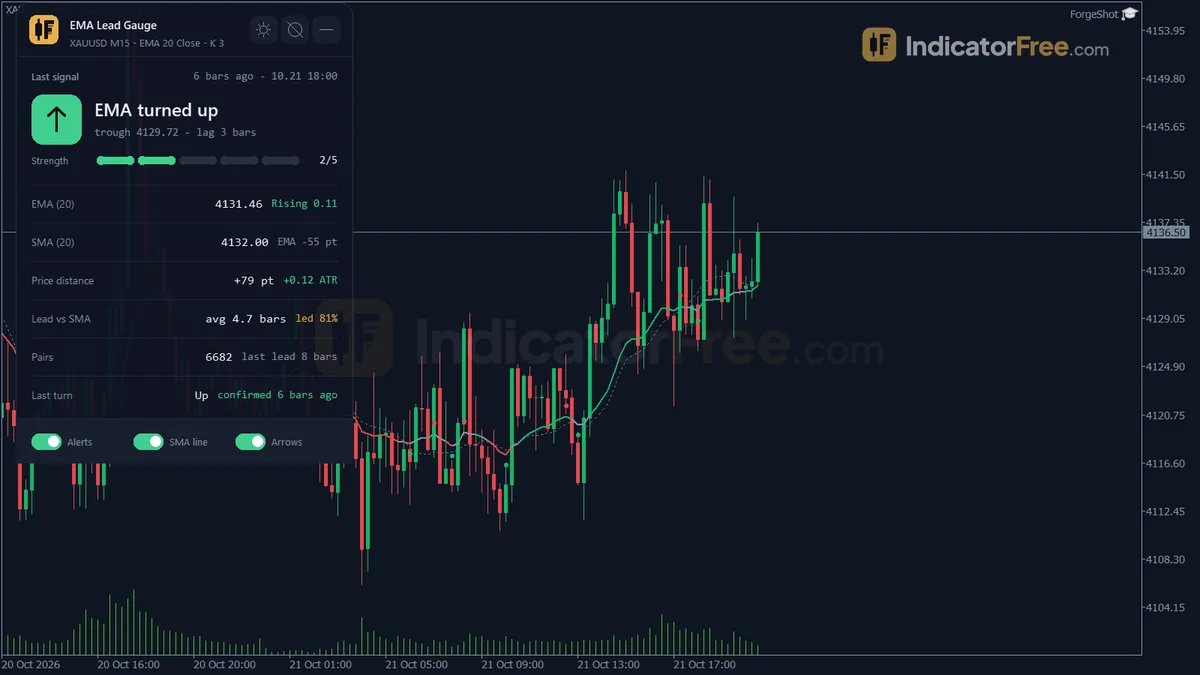
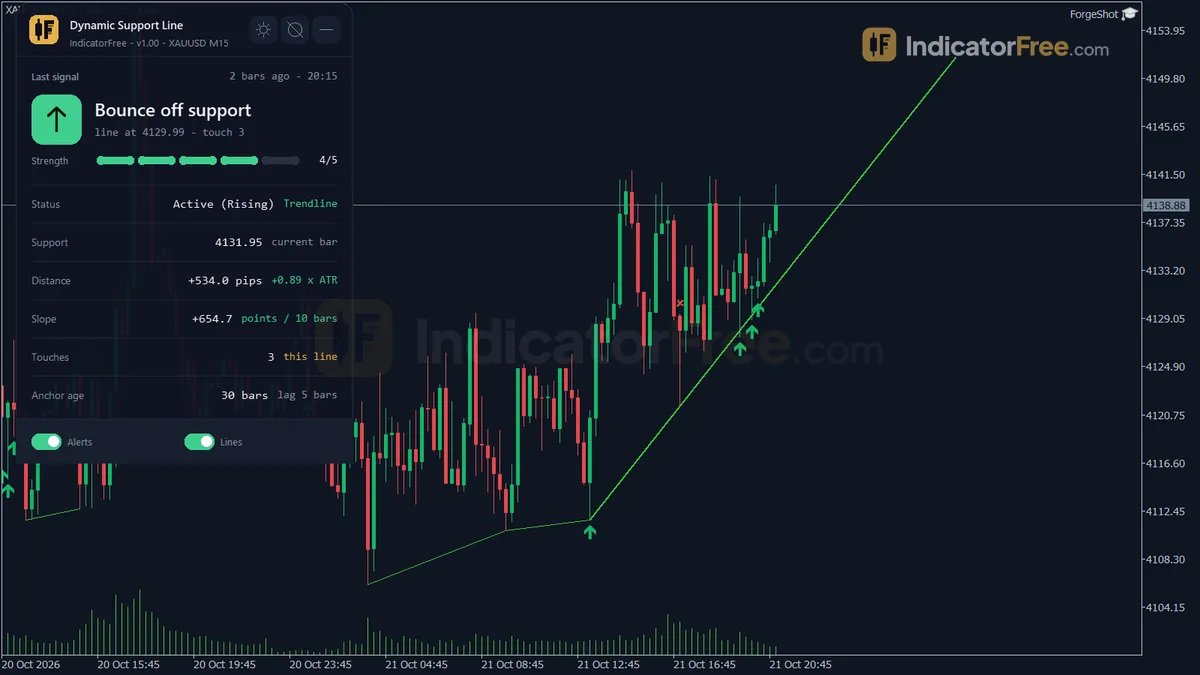
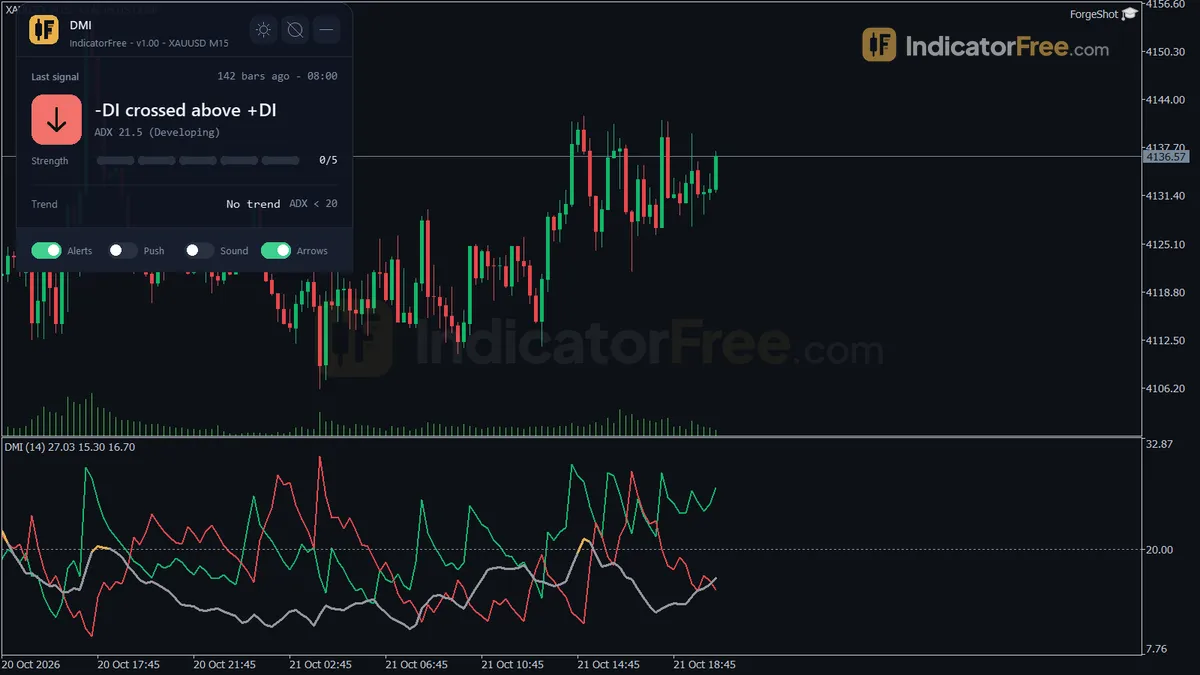
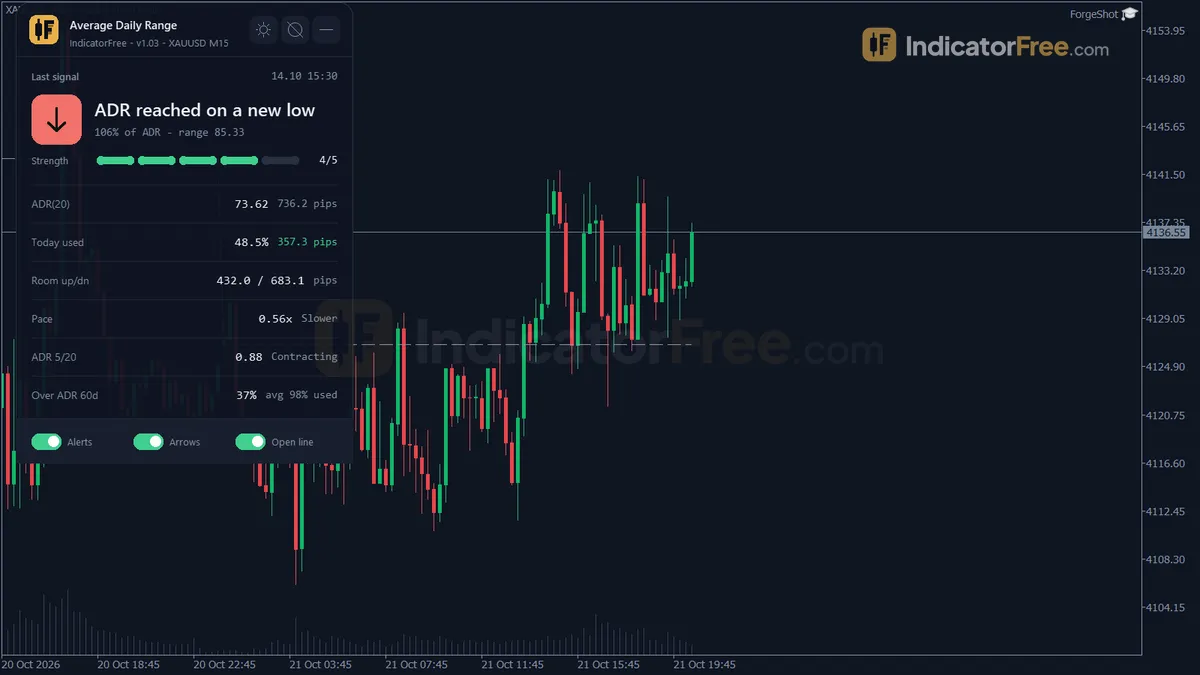
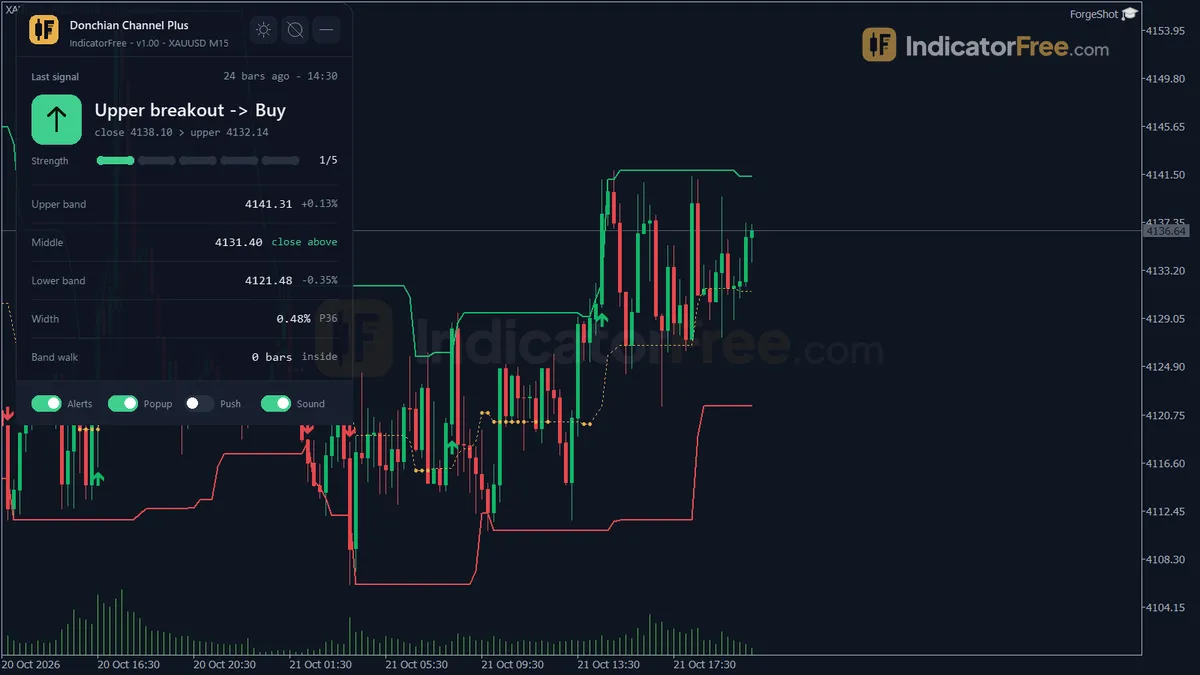
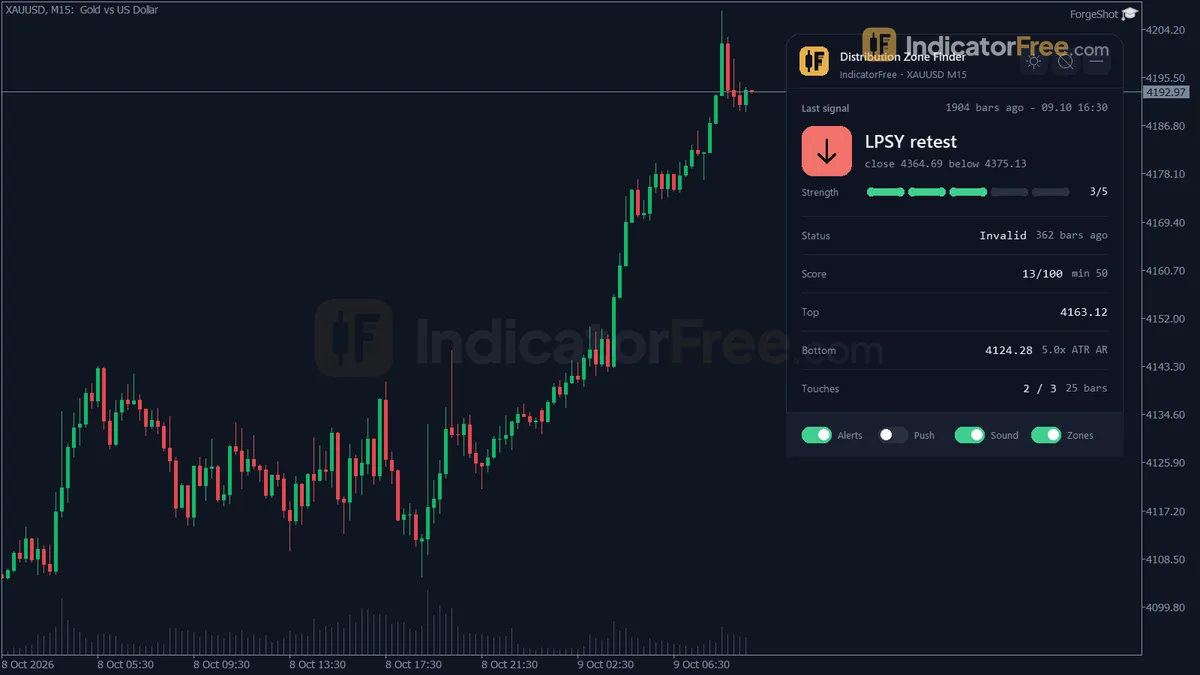
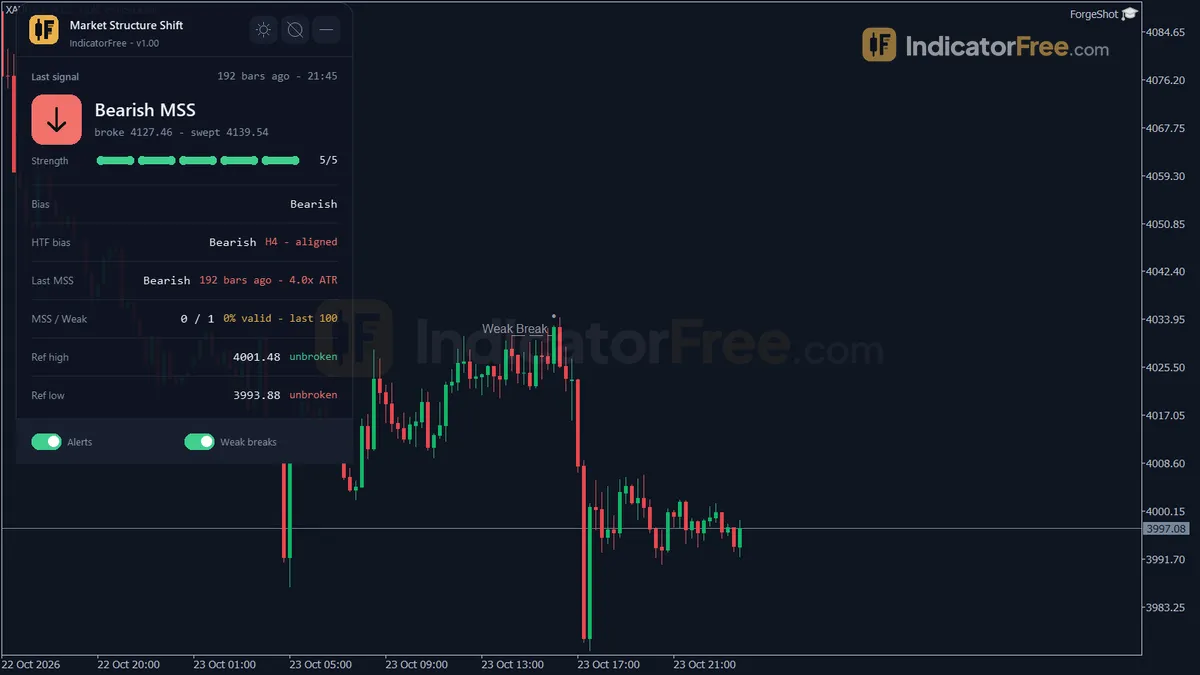
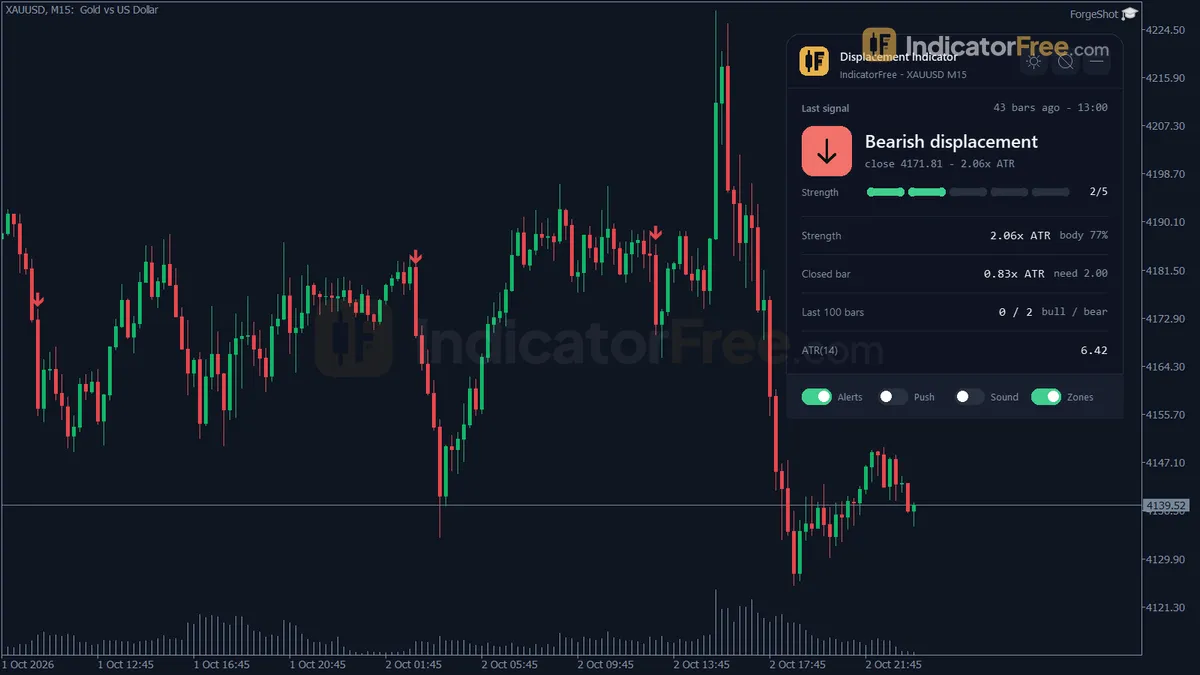
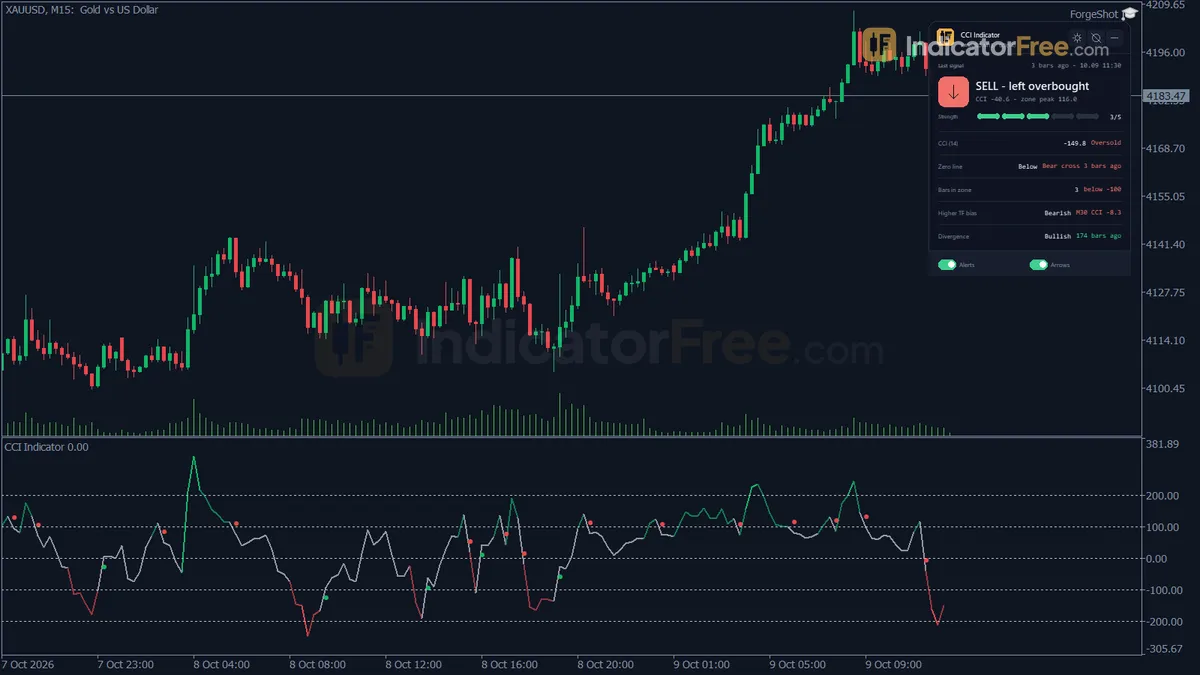
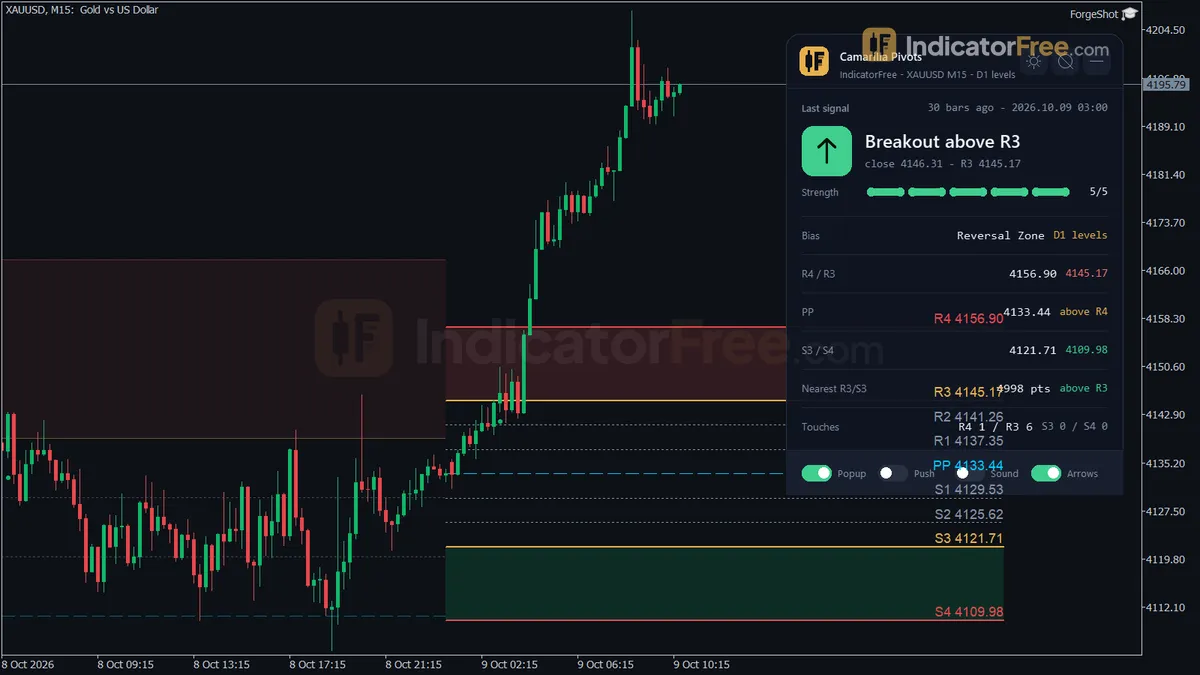
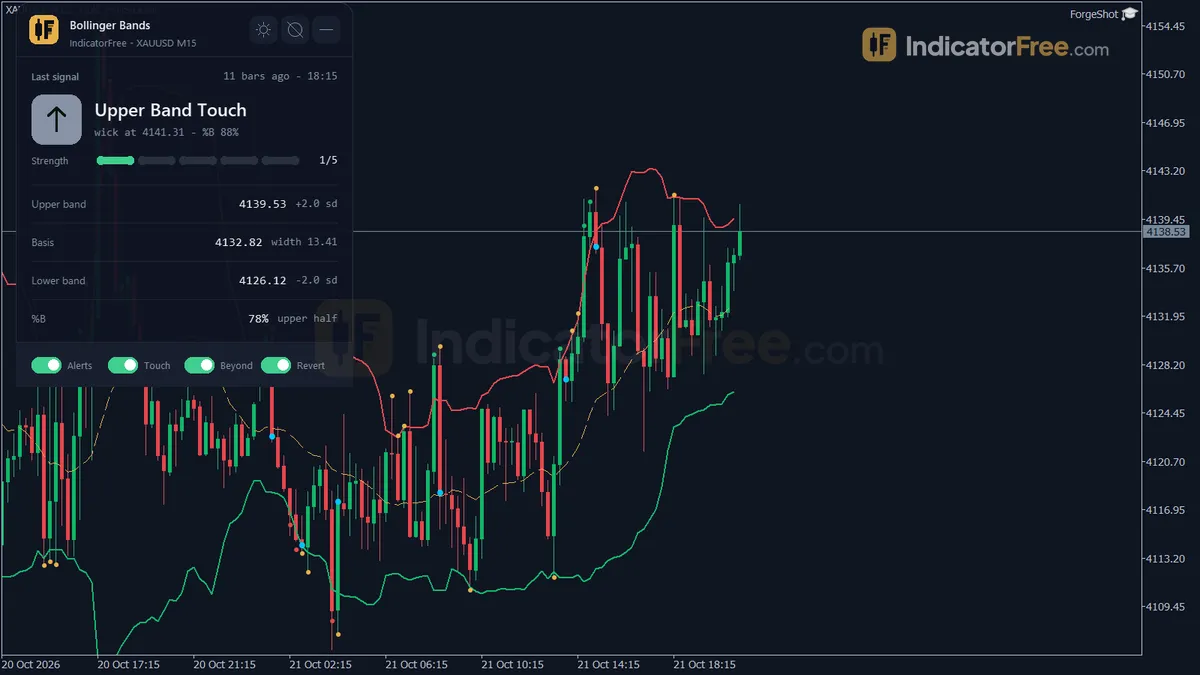
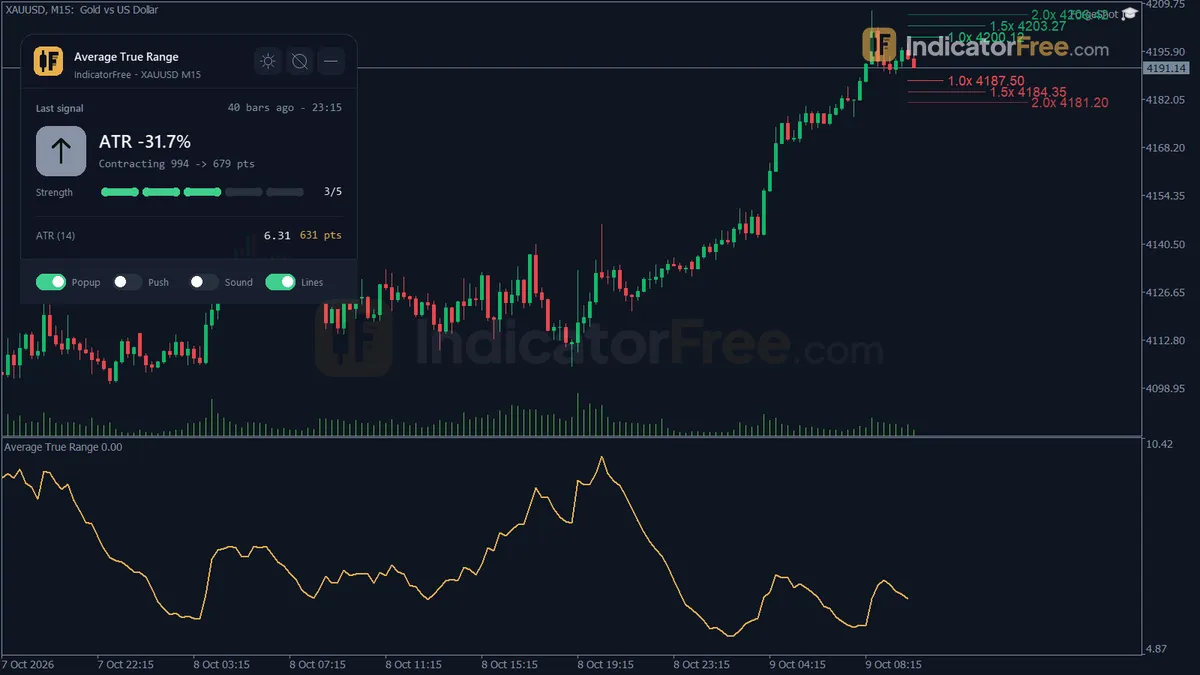
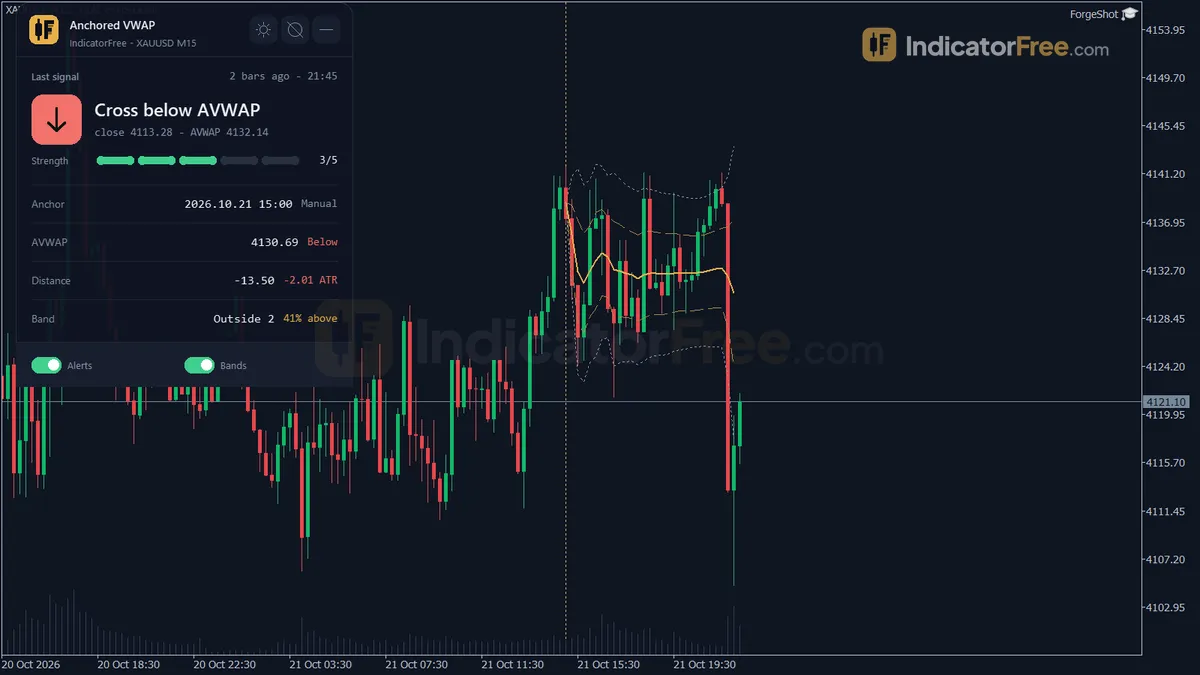
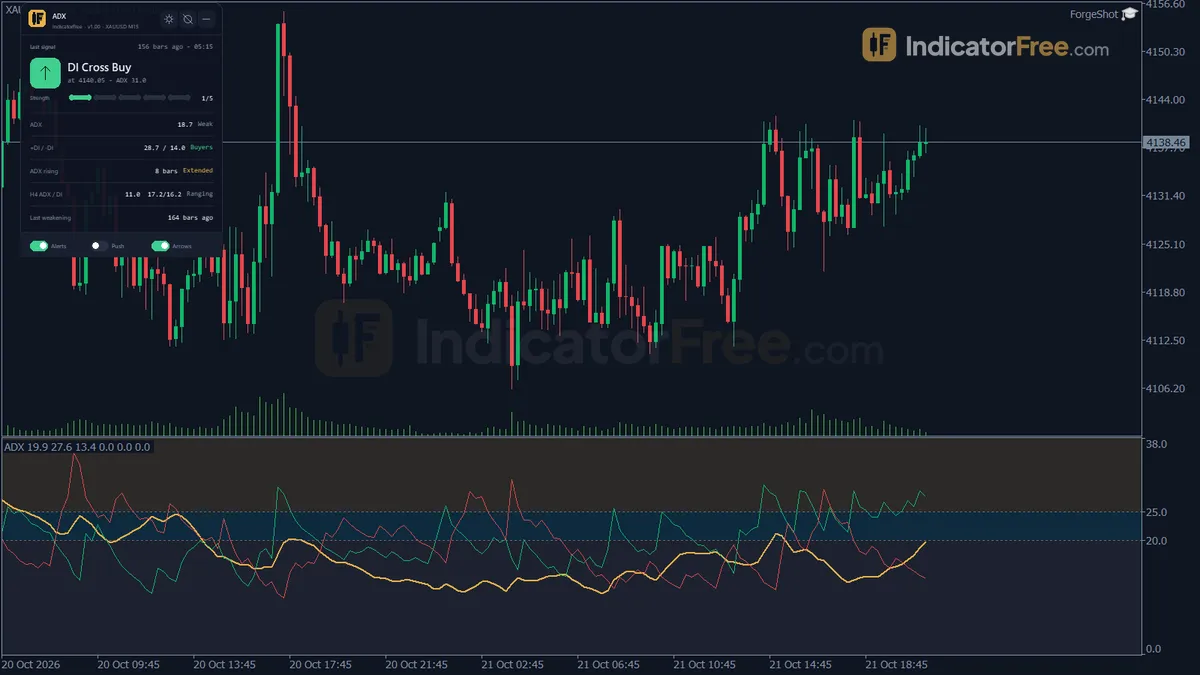
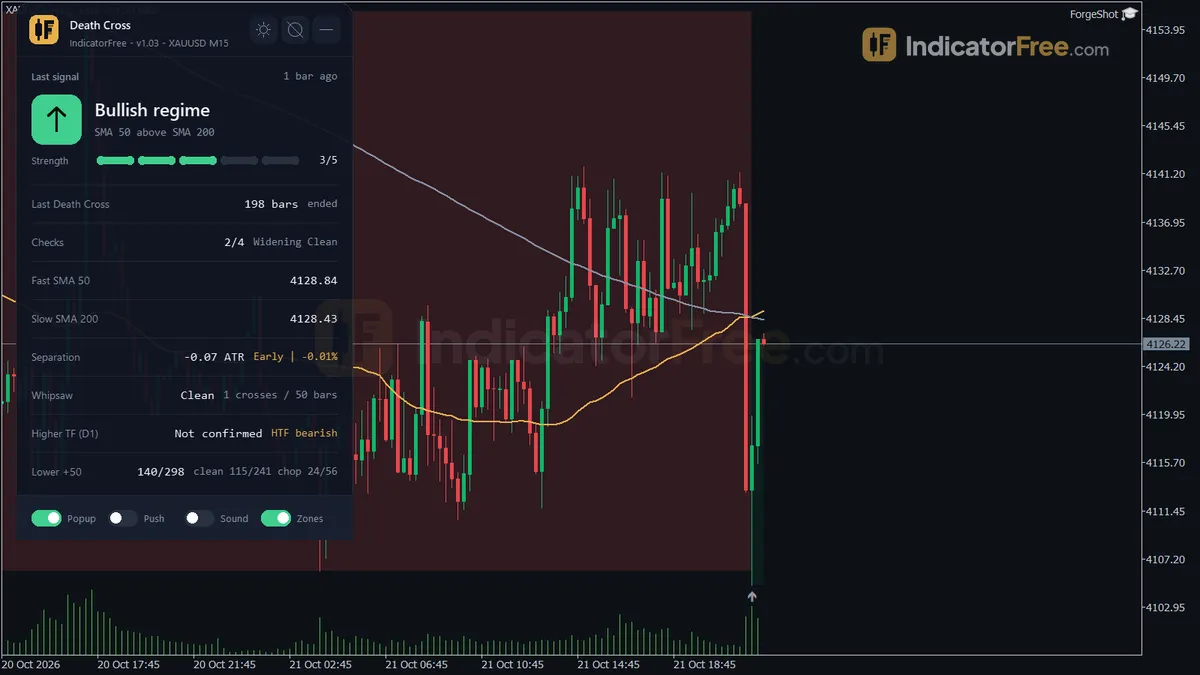
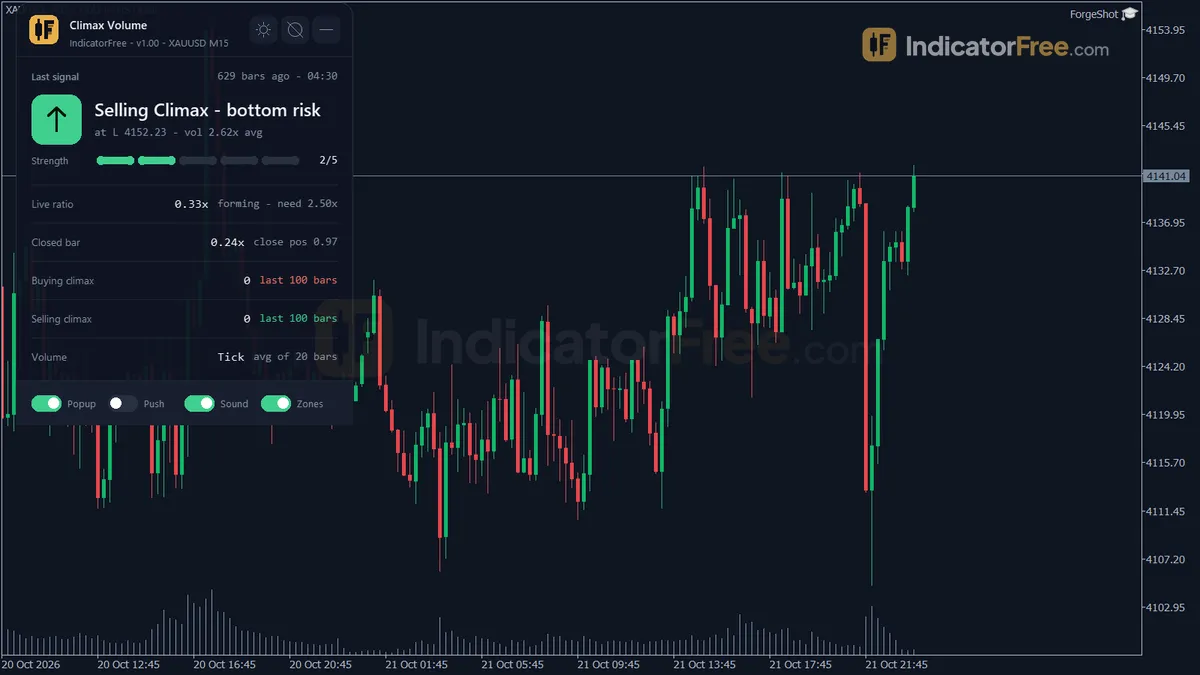
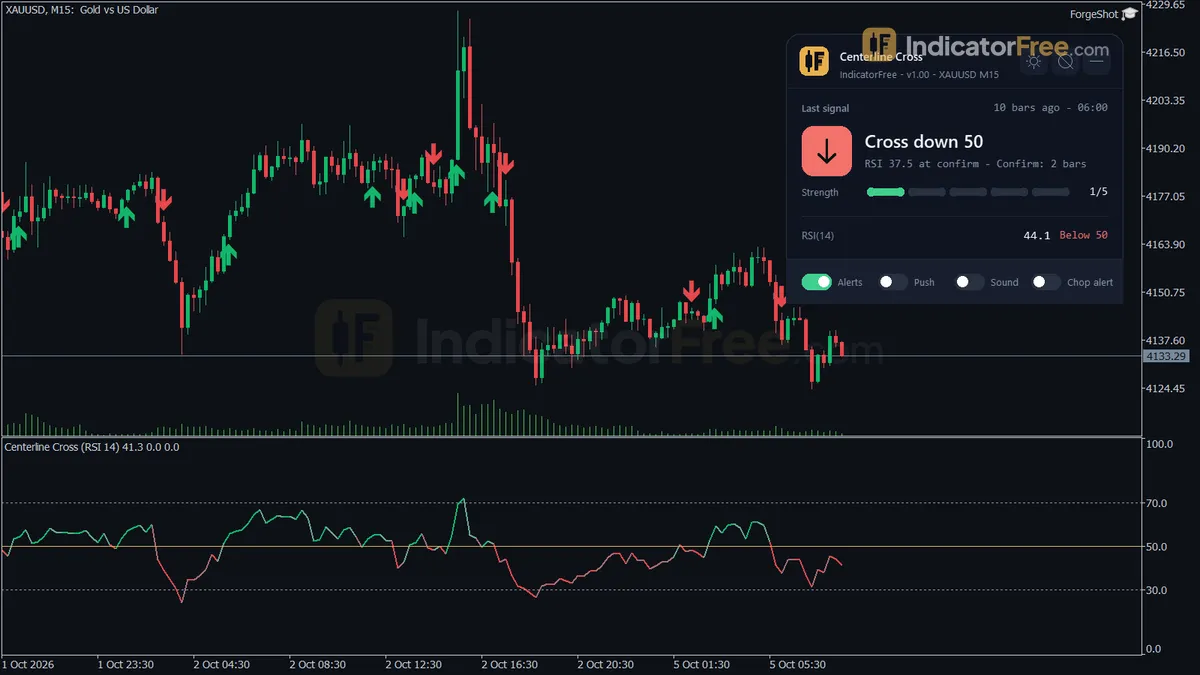
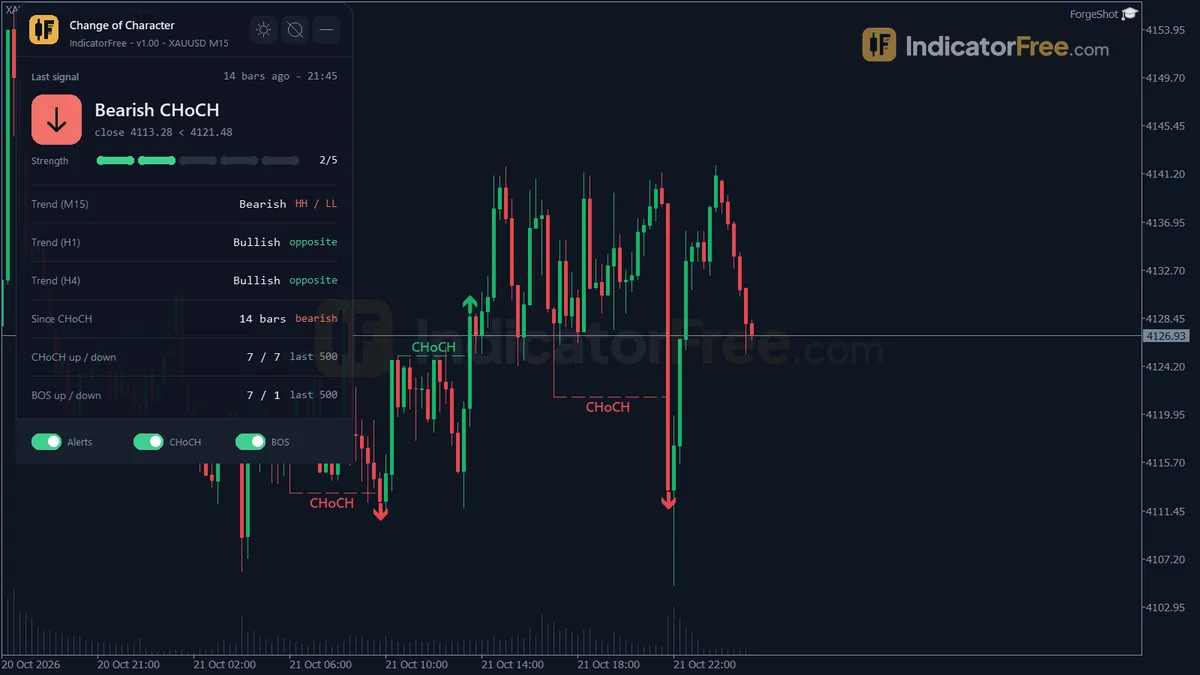
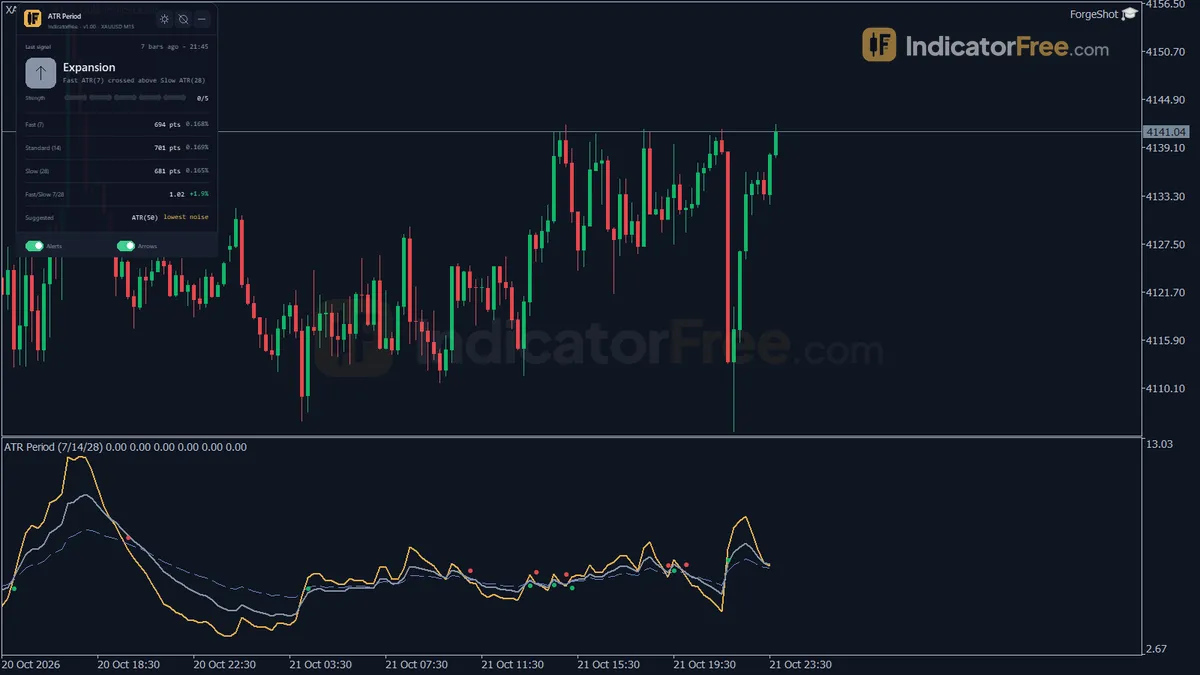
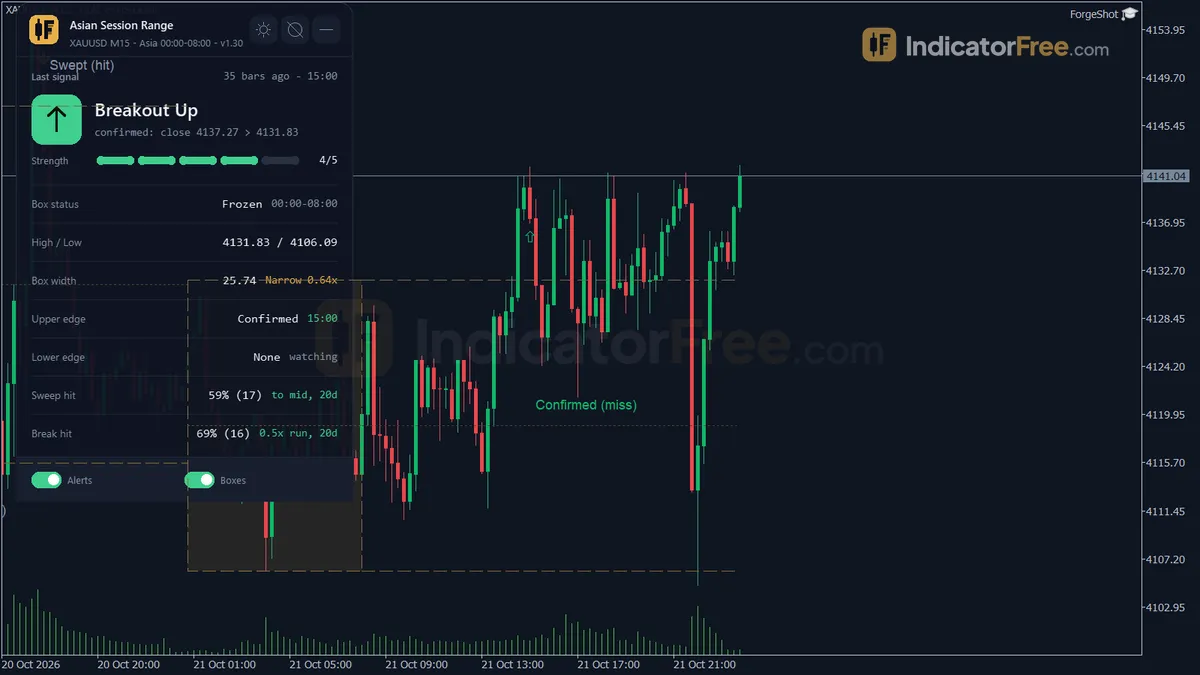
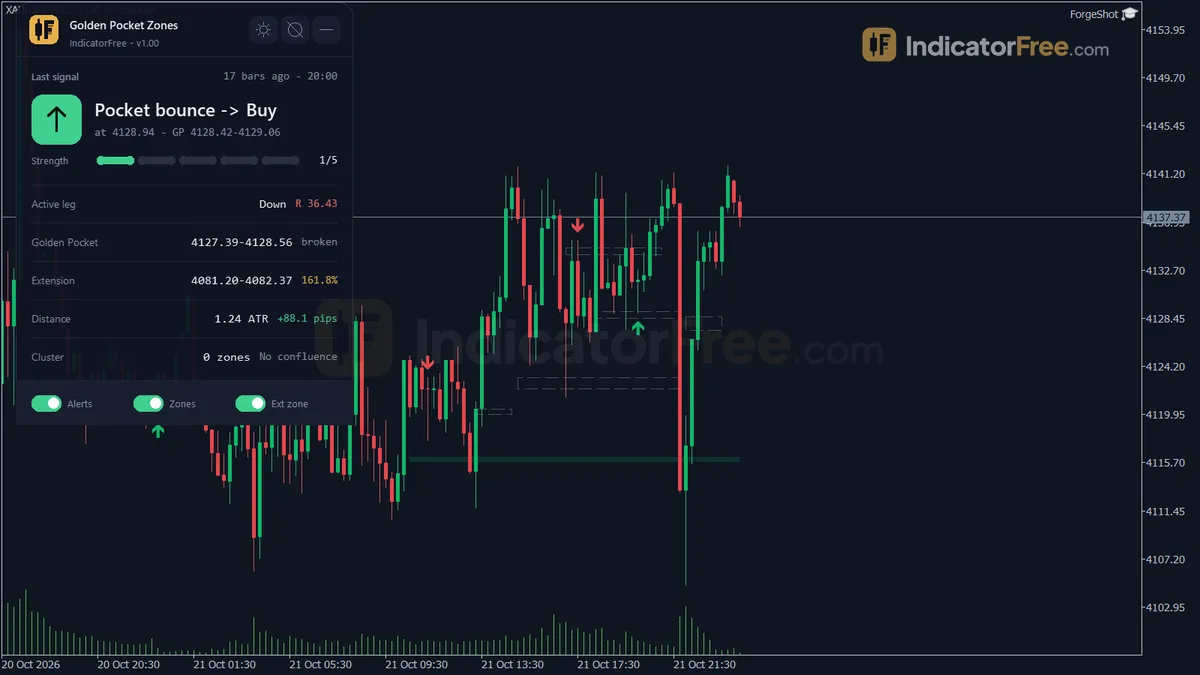
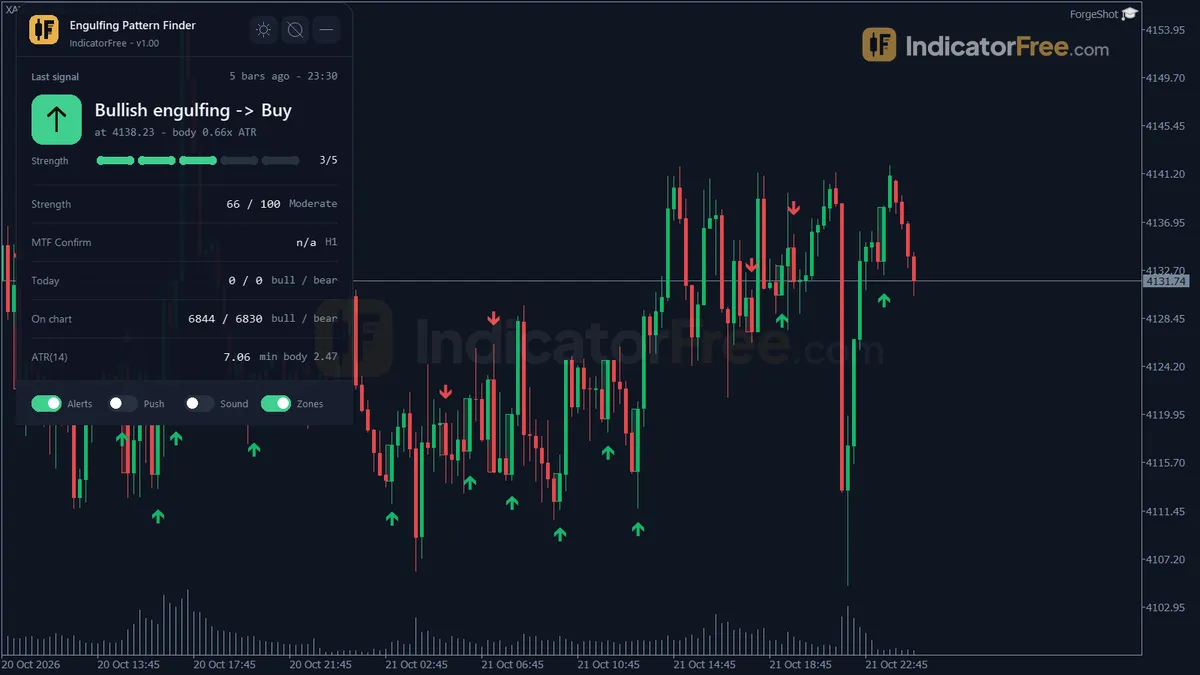
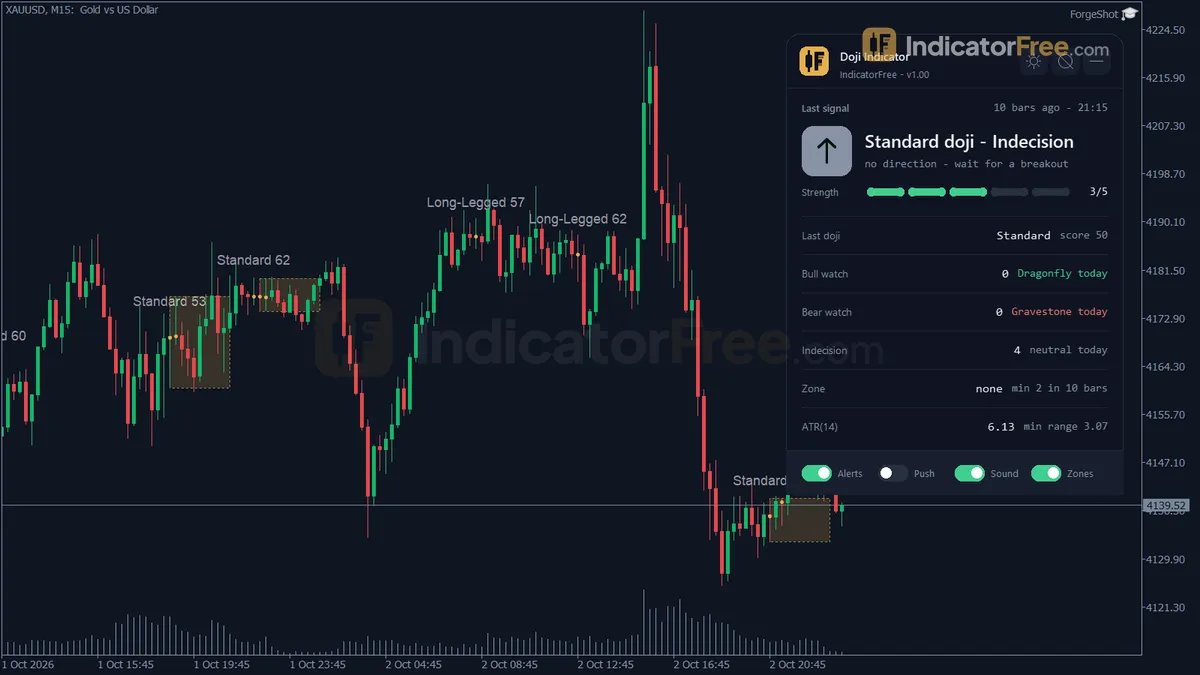
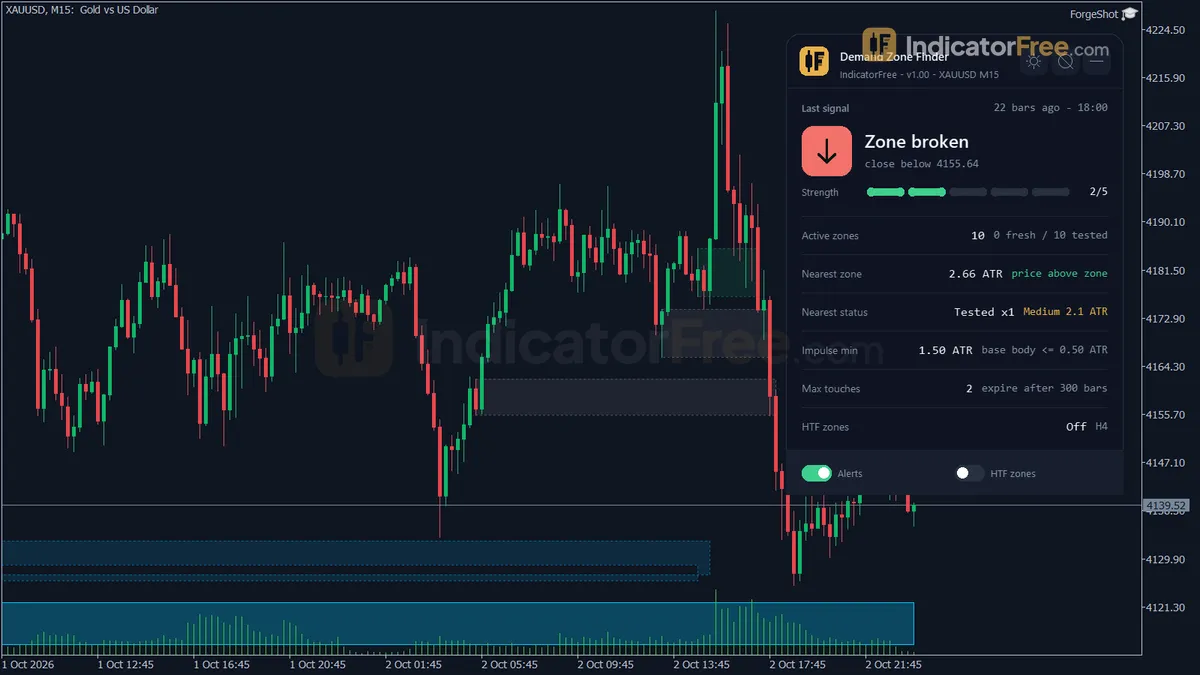
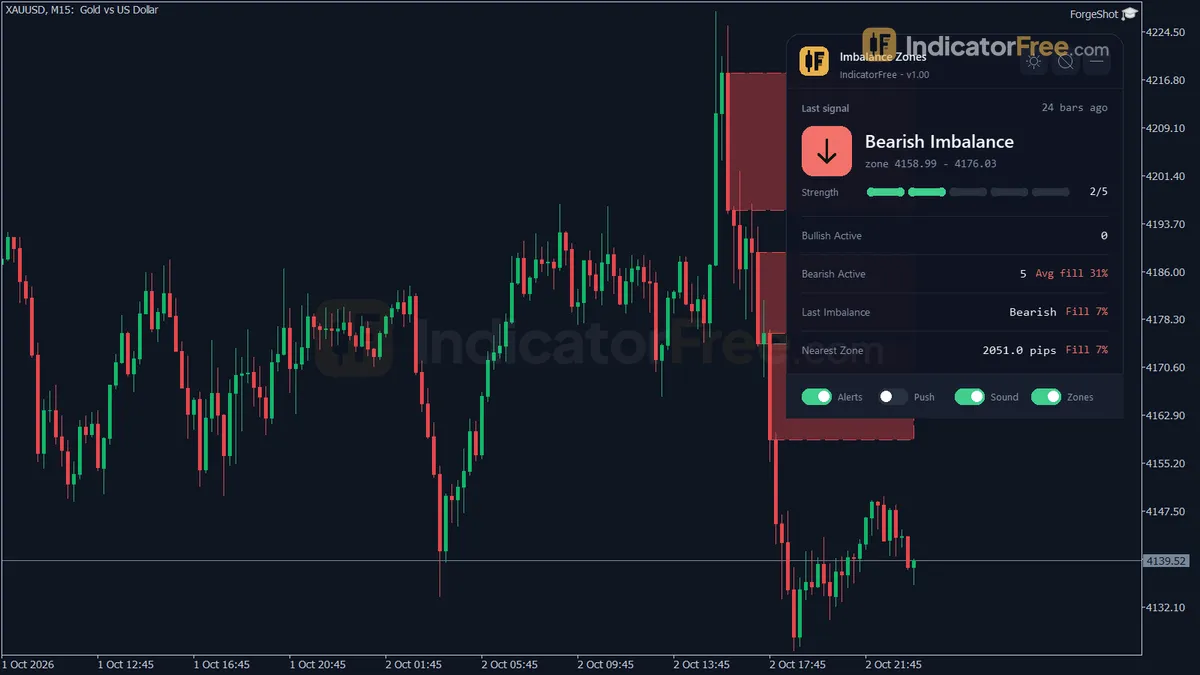
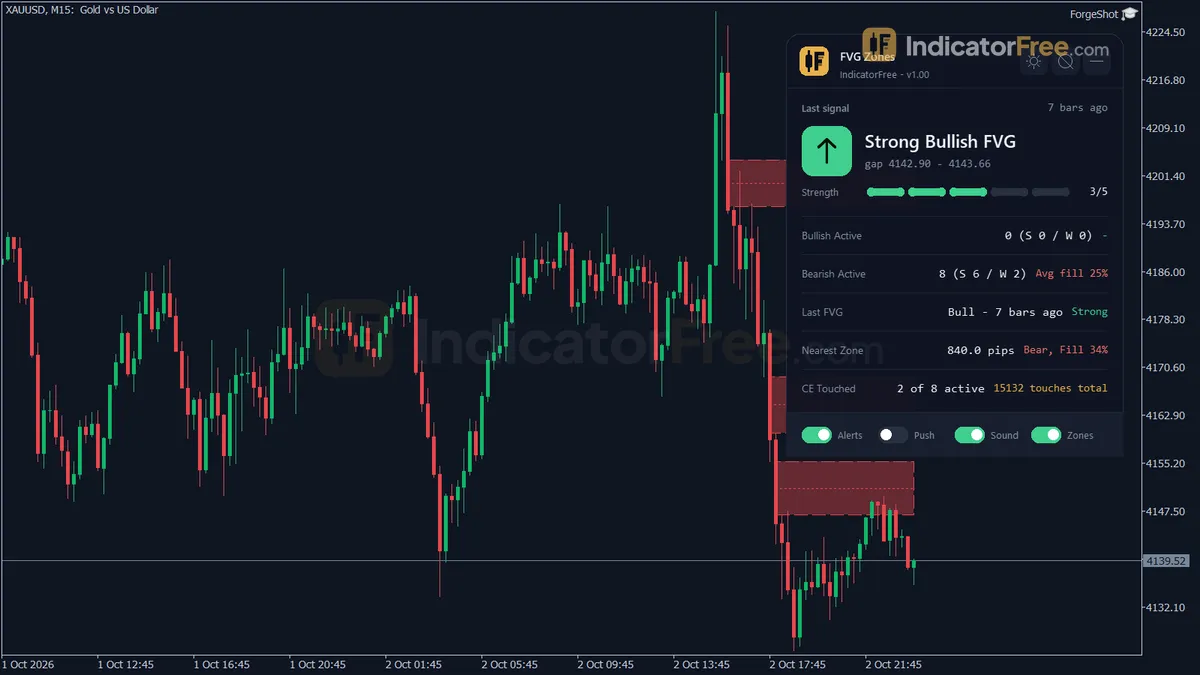
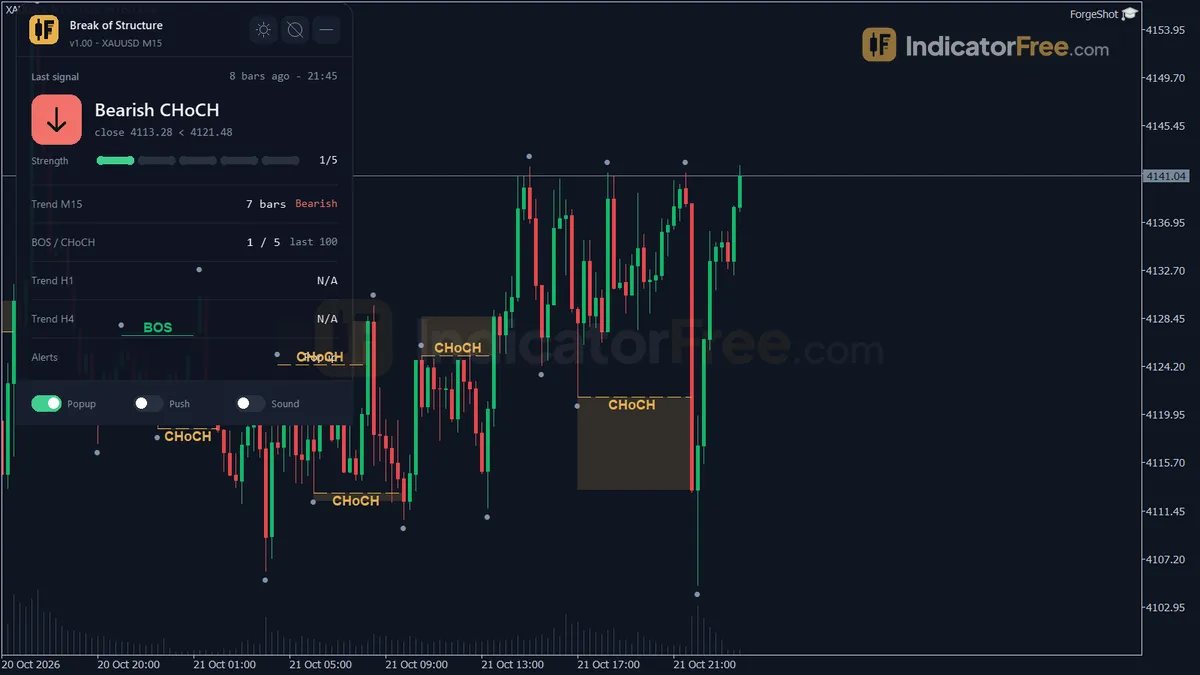
An indicator is a calculation drawn on your chart. It takes price, time or volume and turns it into a line, a zone, an arrow or a histogram. The goal is simple: show you something about the market faster than your eyes can find it alone. A good indicator does not predict. It organises what price has already done so you can make a clearer decision.
This hub collects every indicator on the site. They are split into eight groups, each answering a different question about the chart.
Match each chart question to one indicator group
Most traders collect indicators at random. A better habit is to ask what you need to know, then pick the group that answers it.
| Your question | Group to open | Typical tools |
|---|---|---|
| Which way is the market going? | Trend indicators | Moving averages, Supertrend, ADX |
| Where are the key prices? | Support, resistance & levels | Zones, pivots, Fibonacci |
| What is the candle structure telling me? | Price action & SMC | Order blocks, BOS, pin bars |
| Is the move running out of steam? | Oscillators & momentum | RSI, MACD, stochastic |
| How far can price travel today? | Volatility & channels | ATR, Bollinger, Donchian |
| Is there real participation? | Volume & order flow | Tick volume, VWAP |
| When does the move usually start? | Breakout & session | Asian range, London open |
| Which pair is strongest? | Multi-symbol & strength | Strength meters, scanners |
If you only take one thing from this page, take this table. Each row is a separate job. Two tools from the same row usually tell you the same thing twice.
Keep an indicator chart to three jobs or fewer
Pick one tool per job, and stop at three jobs. A common, workable set is one trend tool, one level tool and one timing tool.
Use this short checklist before you add anything new:
- Does it answer a question none of my current tools answer?
- Can I explain in one sentence what it shows?
- Do I know what I will do when it signals, and what I will do when it does not?
- Have I checked it on past data, not just on today's chart?
If any answer is no, leave it off. More lines on a chart often lead to slower, less confident decisions, not better ones.
Lag, repainting and market type: limits every indicator has
Every indicator has a trade-off. Knowing it ahead of time saves you from blaming the tool later.
Lag is the first one. A moving average or an RSI is built from past bars, so it confirms a move after it has started. Faster settings lag less but give more false signals.
Repainting is the second. Some tools, such as swing or fractal markers, need future bars to confirm a high or low. On live charts the mark can appear, move or vanish. That is not always a flaw, but you must know it happens. Our repaint test explains how we check this before a tool is published.
The third is market type. Trend tools struggle in a sideways market, and range tools struggle in a strong trend. No single indicator works in every condition.
One EURUSD idea built from trend, level and momentum tools
Example: you are looking at EURUSD on the H1 chart.
- The trend tool shows price above a rising 50-period average. Bias: long only.
- The level tool marks a former resistance at 1.0800 that price broke yesterday. Price is now back near 1.0805.
- The oscillator shows RSI dipping to 40 and turning up, not to extreme levels. That fits a pullback inside a trend, not a reversal.
Your plan: buy at 1.0805 after a bullish candle closes there. Stop at 1.0780, below the level, 25 pips of risk. If you risk 1% of a 2,000 account, that is 20 dollars, so roughly 0.08 lots. If any of the three conditions is missing, you skip the trade.
Notice what each tool did. The trend tool chose the direction. The level tool chose the place. The oscillator helped with timing. None of them alone gave a full plan.
Install an indicator and replay it before trusting signals
The tools here today are built for MetaTrader 5. Copy the file into the Indicators folder, refresh the Navigator, then drag it onto a chart. The install guide shows each step with screenshots.
Before you trust any signal, change one input at a time and watch how the chart changes. Then use the Strategy Tester in visual mode to replay a few months of history. Look at the losing signals as closely as the winners. This tells you more than any description can.
If you cannot find what you need, you can request a tool and describe the job it should do.
Begin with one moving average on a demo chart
Start with one group, not all eight. If you are new, open the trend group, add a single moving-average tool to a demo chart, and read the trend topic hub alongside it. Watch how price behaves around the line for a week before you add a second indicator.